
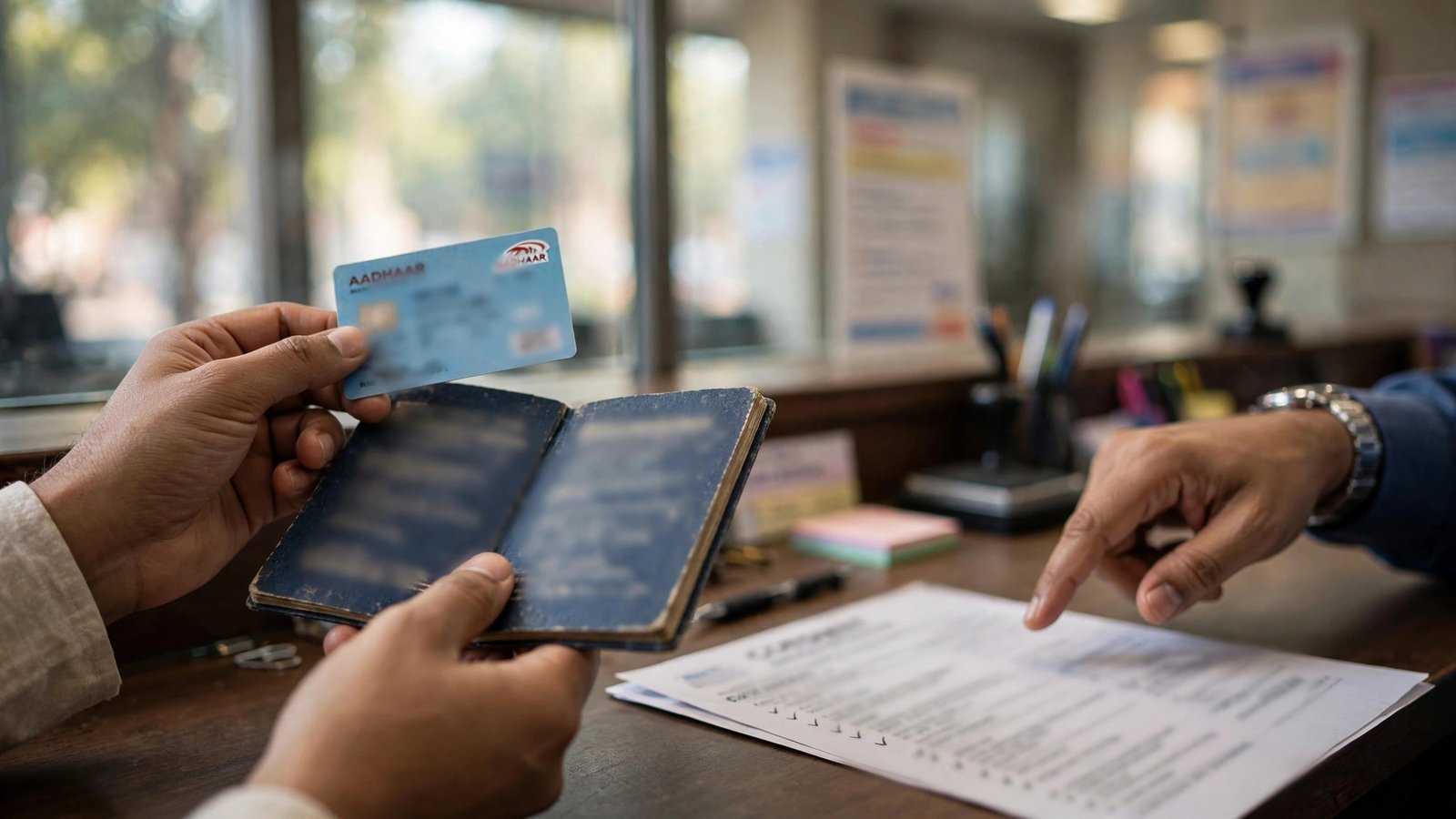
Your LPG subsidy, scholarship or PM-KISAN money is not arriving, and the bank keeps saying your Aadhaar is linked. Both things can be true at the same time. Aadhaar-based payments do not follow the bank’s link alone. They follow the account seeded in the NPCI mapper, and an Aadhaar bank seeding status check shows you exactly which account that is.
The check is free, takes about two minutes on the myAadhaar portal, and needs only your Aadhaar number and the mobile number registered with it for the OTP.
Aadhaar linking and Aadhaar seeding are two different things
When a bank links your Aadhaar to an account, that link sits in the bank’s own records. You can link Aadhaar to every account you hold, and many people do.
Seeding is narrower. With your written consent, the bank also places your Aadhaar in the NPCI mapper against one chosen account. That mapped account is the one that receives Aadhaar-based Direct Benefit Transfer payments. UIDAI states this plainly: benefits come to only one account, the one seeded with the NPCI mapper by your bank.
Two practical results follow. First, a payment can go to an old account you rarely use, simply because that account was seeded last. Second, if you seed Aadhaar at a new bank, the mapping moves, and future DBT payments move with it.
Aadhaar bank seeding status check on myAadhaar
- Open the official Bank Seeding Status page on myAadhaar.
- Enter your 12-digit Aadhaar number, or your 16-digit Virtual ID, along with the security code shown on the screen.
- Click Send OTP and enter the OTP received on your Aadhaar-registered mobile number.
- The result shows the bank name mapped to your Aadhaar, the seeding status, Active or Inactive, and the date of seeding.
If the bank name is the account where you want your benefits and the status reads Active, your side is in order, and a missing payment should be traced in the payment system itself, for example with a PFMS payment status check for central scheme money. UIDAI notes that this status data is fetched live from NPCI’s server, so what you see is the mapper’s own record.

The same status on the NPCI BASE portal
NPCI runs a self-service platform called Bharat Aadhaar Seeding Enabler, or BASE. UIDAI’s own DBT guidance links to it for seeding status. On the NPCI website, go to the Consumer section and open Bharat Aadhaar Seeding Enabler, or use the NPCI seeding status service directly.
BASE shows the Aadhaar mapped status and the mapping history, meaning which bank held the mapping earlier and when it changed. The history view is the quickest way to understand a payment that quietly went to a previous bank. BASE also carries options to request seeding or de-seeding, though for most people the branch route below is simpler.
No internet? Check through USSD
From the mobile number registered with your Aadhaar, dial *99*99*1#. Enter your 12-digit Aadhaar number, then enter it once more to confirm. The screen shows the bank your Aadhaar is mapped to and the seeding status. This works on a basic phone, since USSD does not need a data connection.
Status Inactive, or the wrong bank? Fix it at the branch
Online tools can only show the mapper. Changing it is the bank’s job, and UIDAI’s process is a branch visit:
- Go to a branch of the bank where you want to receive DBT. Carry your Aadhaar card and the account passbook.
- Ask for the Aadhaar seeding mandate and consent form, fill it, and submit it. Be specific that you want the account seeded in the NPCI mapper for DBT, not only linked.
- The bank seeds the account in the mapper. Give it a few working days, then run the myAadhaar status check again to confirm the status has turned Active with the right bank name.
If a Jan Dhan account is involved, remember that seeding a different bank later will pull future scheme payments away from it. After any change, recheck the status before the next expected credit, and use the methods in our Jan Dhan account balance check guide to confirm the money landed where you intended. If your Aadhaar is not linked to the account at all yet, complete that first with our guide on how to link Aadhaar card to a bank account.

Still not seeded? Four things that usually block it
- The OTP never arrives. Your mobile number is not registered with Aadhaar, or it changed. Update the number at an Aadhaar enrolment centre first; no online status check will work without it.
- Details do not match. A spelling difference in your name, or a different date of birth, between Aadhaar and the bank record can hold the request. Correct the weaker record.
- The account is dormant or inoperative. Banks cannot seed a frozen account properly. Reactivate it with fresh KYC at the branch, then submit the seeding form.
- The bank linked, but did not seed. This is the most common one. Go back and ask the branch to confirm the NPCI mapper seeding specifically, and take the acknowledgement for the consent form.
Keep the stamped acknowledgement of your consent form until the status changes online. If a branch delays the work or says seeding is not needed, run the Aadhaar bank seeding status check again after a week and, if nothing has moved, raise the request through the bank’s own grievance channel with the acknowledgement attached. Banks are expected to offer Aadhaar seeding for DBT, so a written complaint with a date on it usually gets the request moving. The Reserve Bank’s Integrated Ombudsman is the next step if the bank still does not act on a genuine complaint.
One safety rule covers all of this: the OTP belongs only on the official myAadhaar or NPCI page that you opened yourself. UIDAI, NPCI and your bank will never phone you to ask for it, whatever the caller claims about a blocked subsidy.
Frequently Asked Questions
Which of my accounts will receive DBT money?
The account shown as mapped and Active in the seeding status. If you hold accounts in three banks, the mapped one receives Aadhaar-based payments, regardless of which accounts merely have Aadhaar linked.
Can Aadhaar be seeded in two banks at the same time?
No. The NPCI mapper holds one active mapping for an Aadhaar number. Seeding at a second bank replaces the earlier mapping instead of adding to it.
How long does seeding take after I submit the form?
There is no single fixed timeline across banks. Allow a few working days, then check the status online. If it has not changed after a week, return to the branch with your form acknowledgement and ask them to trace the request.
Is there a fee for the seeding status check?
The myAadhaar and NPCI status checks are free. The USSD check uses your normal mobile connection and needs no data pack.
My bank says Aadhaar is linked, so why did my DBT still fail?
Because linking and mapper seeding are separate records. Ask the bank to check the NPCI mapper status for your Aadhaar, and verify it yourself on myAadhaar. A linked-but-not-seeded account is the most frequent cause of failed Aadhaar-based credits.
Facts last checked: 20 October 2026, against uidai.gov.in and npci.org.in.

She is a professional and experienced senior article writer and editor. She is working in Indian Government Schemes, Education, and Media Communication. She has completed her MJMC, and now working at StatusChecker.in as a Senior Editor and writer. She has more than ten years of experience in Media communication, and article writing. So we hope you will enjoy her article. If you have any complaints or suggestions for her. You can contact us through our Contact Us page.