
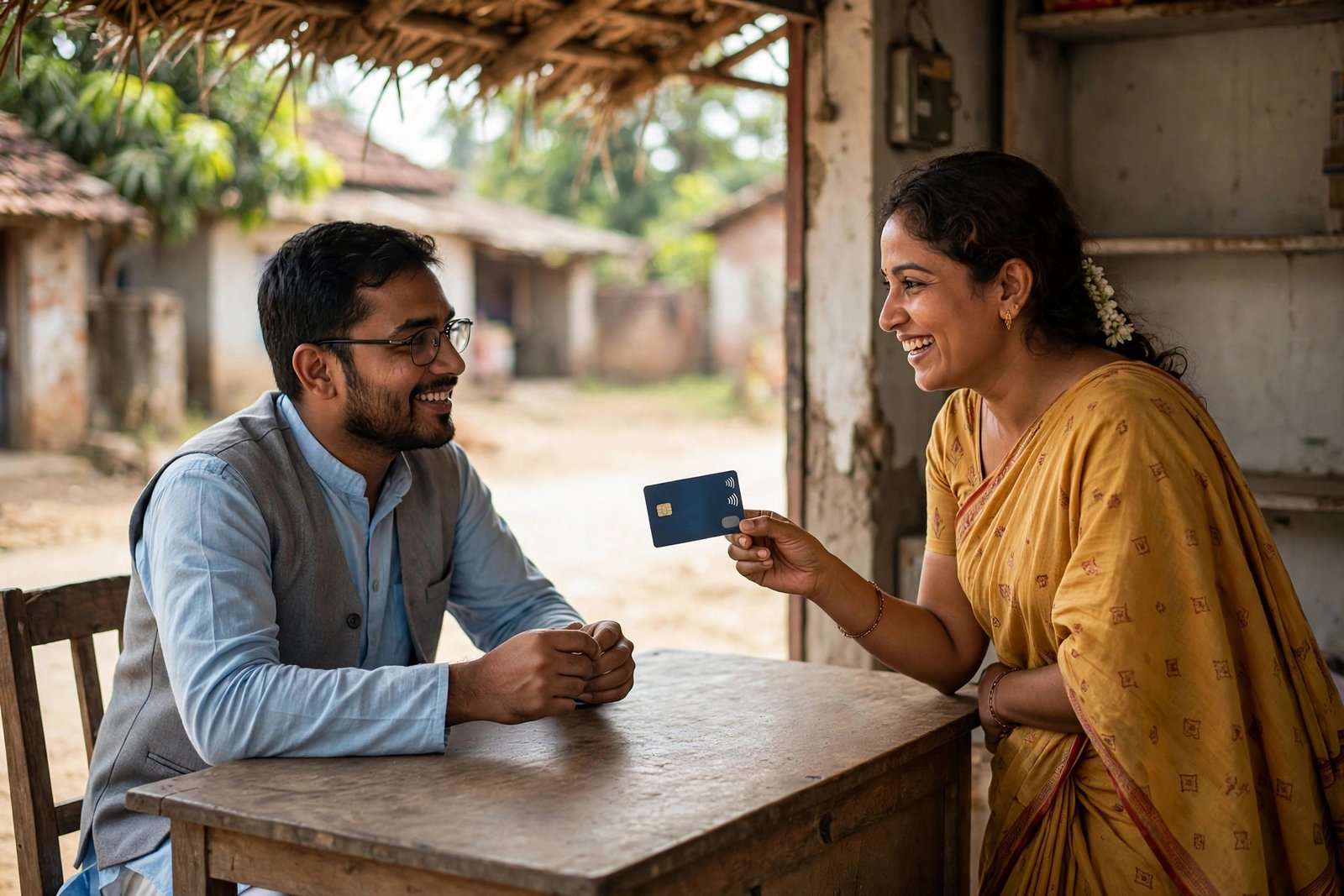
Let us clear the confusion first, because a lot of websites get this wrong. There is no PMJDY page where you type an Aadhaar or account number and see your personal balance. The pmjdy.gov.in portal publishes scheme information and statistics, not your money. A Jan Dhan account balance check always happens through your own bank, and the good news is that the bank gives you at least five ways to do it, most of them free and without internet.
A Jan Dhan account is a regular savings account opened under the Pradhan Mantri Jan Dhan Yojana. It sits in a bank branch like any other account, so the same balance channels apply. Pick the method that suits the phone and documents you have.
Method 1: Your bank’s mobile app or net banking
If your mobile number is registered with the account and you have activated the bank’s mobile app or internet banking, this is the most detailed route. The app shows the live balance and the full list of recent credits and debits, which is what you need when you are matching a specific government payment. Log in, open the account summary, and the Jan Dhan account appears there like any other savings account.
If you have never registered your mobile number with the account, the app will not work. That one-time registration is best finished at the branch, and our guide on how to link a mobile number in a bank account explains the branch, ATM and online routes.
Method 2: Missed call and SMS banking
From the registered mobile number, a missed call to your bank’s balance enquiry number brings the balance back by SMS. The numbers differ by bank. These are the widely published numbers for the larger banks:
| Bank | Missed call balance number |
|---|---|
| State Bank of India | 9223766666 |
| HDFC Bank | 1800 270 3333 |
| ICICI Bank | 9594 612 612 |
| Punjab National Bank | 1800 180 2223 |
| Bank of Baroda | 8468001111 |
| Canara Bank | 09015483483 |
| Union Bank of India | 09223008586 |
| IDBI Bank | 1800 843 1122 |
The call must come from the number registered with the account, otherwise the bank cannot identify you. If a number does not respond, do not keep redialling third-party lists. Use the number printed in your passbook or on the bank’s official website, since banks do retire and replace these lines.
Method 3: *99# USSD, which works on any phone
The *99# service, run by NPCI, was built for exactly this situation: no smartphone, no data pack, still need the balance.
- Dial *99# from the mobile number registered with your bank account.
- When asked, enter the first three letters of your bank’s name, or the first four characters of its IFSC.
- From the menu, choose the balance enquiry option.
- If you have set an MPIN for the service, enter it. The balance appears on the screen.
The session is text-based and ends when you exit, so note the figure down if you need it. The same menu can show a mini statement on most banks.
Method 4: ATM and passbook
Your RuPay debit card works at any bank’s ATM for a balance enquiry, and a Jan Dhan account holder does not need to hunt for their own bank’s machine. Insert the card, enter the PIN, and choose balance enquiry. For a record on paper, the branch updates your passbook with every credit and debit, which remains the most accepted proof when a department or a bank officer asks for one.
Method 5: Bank Mitra or banking correspondent
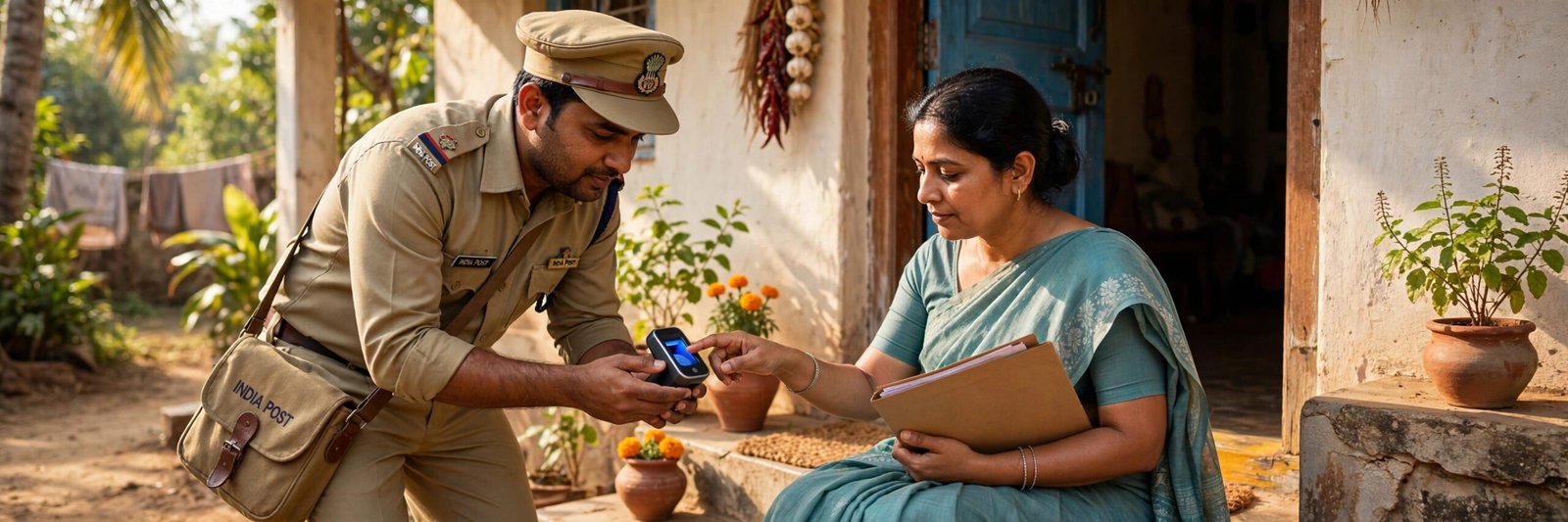
In villages and small towns, the Bank Mitra (banking correspondent) outlet is often the nearest banking point. With your debit card, or with Aadhaar and fingerprint verification on the micro-ATM, the operator can show the balance and print a mini statement on the spot. UIDAI lists balance enquiry among the services Bank Mitras provide at the doorstep. Take the printed slip, and never tell the operator your card PIN; type it yourself on the device.
Checking whether a government payment arrived is a different job
Half the people searching for a balance actually want to know whether a subsidy or scheme instalment has come in. The balance alone cannot answer that, since it mixes all credits together. For government money, run a PFMS payment status check, which lists each DBT payment to your account with its scheme name and credit date. And if payments keep landing in an old account, the cause is usually Aadhaar mapping; an Aadhaar bank seeding status check shows which bank is currently set to receive them.
Account not working? Two common reasons
If every method fails at once, the account itself may be the problem. A savings account with no customer transaction for over two years can be marked inoperative, and credits and app access start failing until you visit the branch and complete fresh KYC with your Aadhaar and a photograph. The second reason is simpler: the mobile number in the bank’s record is an old one, so missed calls, SMS banking and OTP-based apps all fail together. One branch visit fixes both.
Turn on SMS alerts so you stop checking again and again
Whichever route you use for a Jan Dhan account balance check, the checking itself becomes mostly unnecessary once SMS alerts are active on the account. UIDAI points out that beneficiaries who have the SMS alert facility from their bank are told automatically when DBT funds land in the account. Ask the branch or the mobile app to confirm that transaction alerts are switched on for your registered number. After that, the phone tells you about every credit, and the balance methods above become a backup instead of a daily chore.
Jan Dhan account features worth knowing
- No minimum balance. The account is designed to run at zero balance.
- A RuPay debit card comes with the account. Cards issued with accounts opened after 28 August 2018 carry accident insurance cover of up to Rs 2 lakh, subject to the scheme conditions.
- Interest is paid on the balance, like a normal savings account.
- An overdraft of up to Rs 10,000 is available to eligible account holders under the scheme rules.
- Government benefits paid through DBT are credited directly to the account.
Frequently Asked Questions
Can I check my Jan Dhan balance with my Aadhaar number?
Not directly on any website. Aadhaar helps in person: at a Bank Mitra outlet, your fingerprint on the micro-ATM verifies you for a balance enquiry. Online balance checks always go through your bank’s own channels.
Does pmjdy.gov.in show my account balance?
No. The portal carries scheme details, forms and account-opening statistics. Any site claiming to show your personal Jan Dhan balance on the PMJDY portal is misleading you, and you should never enter your account number or OTP there.
Is the missed call balance check free?
A missed call costs nothing, and several of the listed numbers are toll-free lines. The balance SMS that follows is sent by the bank as part of its alert service for the account.
Why does my Jan Dhan account show as inoperative?
Long gaps without any transaction can lead to an inoperative or dormant marking, and a missing KYC update makes it more likely. Visit the branch with Aadhaar and a photograph, complete the re-KYC, and make a small transaction to bring the account back to normal use.
What is the minimum balance for a Jan Dhan account?
Zero. There is no minimum balance requirement and no charge for keeping the account empty, which is the central design of the scheme.
Facts last checked: 20 October 2026, against pmjdy.gov.in and uidai.gov.in.

She is a professional and experienced senior article writer and editor. She is working in Indian Government Schemes, Education, and Media Communication. She has completed her MJMC, and now working at StatusChecker.in as a Senior Editor and writer. She has more than ten years of experience in Media communication, and article writing. So we hope you will enjoy her article. If you have any complaints or suggestions for her. You can contact us through our Contact Us page.