
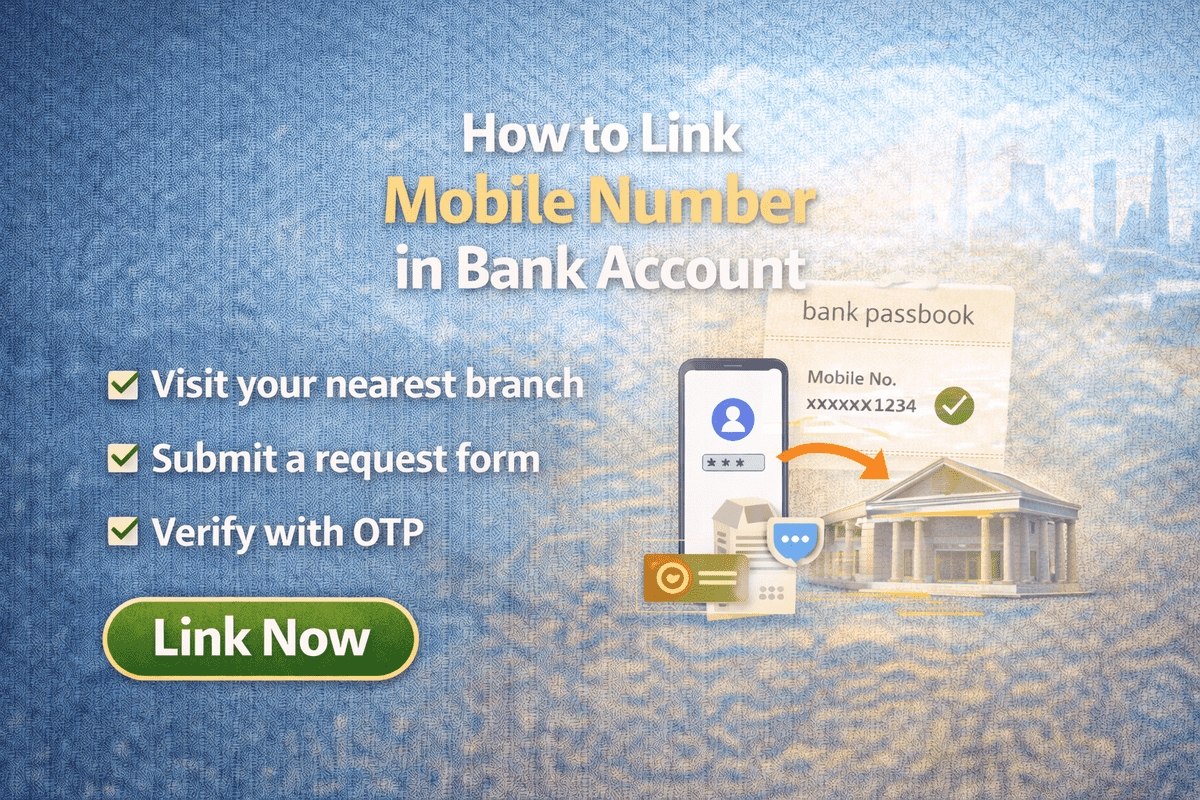
Knowing how to link mobile number in bank account is one of the smallest updates you will ever make at your bank, yet one of the most important. Almost every digital banking service — UPI payments, mobile banking, net banking logins and even simple balance alerts — depends on the mobile number saved against your account. If that number is missing or outdated, OTPs go nowhere and you can be locked out of your own money. The good news is that every bank in India lets you link or update your number through a few standard routes, and most of them do not require a branch visit at all.
Why Linking Your Mobile Number Matters
- OTPs and secure logins: one-time passwords for net banking, mobile banking and online card payments are sent to your registered number. No linked number means no OTP and no transaction.
- Instant transaction alerts: an SMS reaches you every time money leaves or enters your account, so a wrong or fraudulent debit comes to your notice within seconds, not at month-end.
- UPI and mobile banking: apps such as BHIM, Google Pay and your bank’s own app verify you through the number registered with the account. The SIM in your phone must match it.
- Account recovery: forgot your net banking password? The reset link or OTP goes to your registered mobile number and email.
- Bank communication: statements, KYC reminders, cheque book updates and service messages all reach you on the linked number.
Methods to Link a Mobile Number at a Glance
| Method | What You Need | Where It Is Done |
|---|---|---|
| Internet Banking | Net banking user ID and password | From home, on your bank’s website |
| Mobile Banking App | The bank’s app with your login or MPIN | From home, on your phone |
| ATM | Your debit card and ATM PIN | At your own bank’s ATM |
| Branch Visit | A filled registration form and an ID copy | At your home branch |
All four methods end the same way — the bank saves the number against your account and confirms it with an SMS or email. Pick whichever route is easiest for you.
Method 1: Link Mobile Number Through Internet Banking
If your net banking is already active, this takes about two minutes:
- Visit your bank’s official website and click the Net Banking login tab.
- Log in with your User ID and Password.
- After logging in, find and click on the Profile option.
- Inside the profile section, click on Update Mobile Number.
- Enter your new mobile number, and enter it a second time to confirm.
- Click the Update Mobile Number button. Some banks complete the step with an OTP sent to the new number or a confirmation on your registered email.
The exact menu names differ slightly between banks — some place the option under “My Profile”, “Personal Details” or “Contact Information” — but the option is always inside the profile area after login.
Method 2: Link Mobile Number Through the Mobile Banking App
Most banks now allow the same change inside their mobile app. Open your bank’s app and log in, then go to the profile or settings section and look for the mobile number or contact details option. Enter the new number, verify it with the OTP the app sends, and save. PNB customers, for example, manage their number through the PNB One app — see our PNB mobile banking registration guide for how that app is set up.
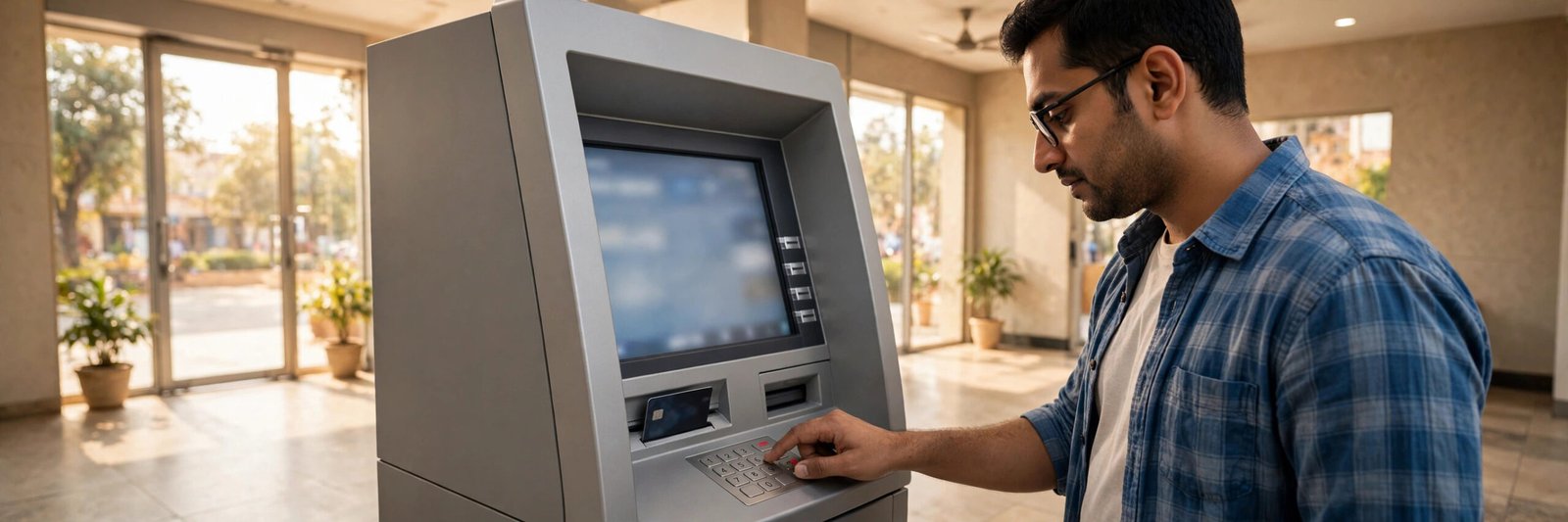
Method 3: Link Mobile Number Through an ATM
If you have your debit card with you, your own bank’s ATM can register the number without any form:
- Visit the nearest ATM of your bank and insert (or swipe) your ATM card.
- Enter your ATM PIN.
- On the main screen, look for the Registration option and select it.
- Select New Registration (on some machines it appears as mobile number registration).
- Enter your mobile number and press Correct.
- Re-enter the same mobile number and press Correct again.
- An OTP is sent to that mobile number — enter it on the screen to verify.
That is all — the number is linked to your account. Menu wording varies a little from bank to bank, but the registration option is present on the ATMs of all major banks. Union Bank customers can follow the bank-specific steps in our Union Bank mobile number registration guide.
Method 4: Link Mobile Number at the Bank Branch
The branch route works for everyone, including customers who have no net banking, no app and no active debit card:
- Visit the branch where your account is held (your home branch).
- Ask the bank employee for the mobile number registration application form.
- Fill in all the details asked for — branch name, your name, account number and the mobile number you want to link.
- Attach photocopies of the necessary documents, such as your ID proof, along with the form.
- Submit the completed form to the concerned bank employee.
The bank updates its records and your mobile number is linked to the account, usually the same working day. If you are visiting the branch anyway, it is also worth checking that your Aadhaar is correctly seeded — our guide to linking an Aadhaar card to a bank account explains why that matters for receiving government benefits.
How Do You Know the Number Is Linked?
Once the update is done, the bank confirms it by sending an SMS or an email to you. You can also verify it yourself: open your profile in net banking or the mobile app and check the number shown there, or make a small transaction and see whether the alert SMS arrives on the new number. If an hour or two has passed and no confirmation has come, contact the branch or your bank’s customer care from its official website.
Adding a Number vs Changing an Old One
The steps above are the same whether you are registering a number for the first time or replacing an old one. There is one situation where the offline route is clearly better: if your old number is lost or inactive and the bank sends verification OTPs to that number, you cannot complete the online methods. In that case, visit your branch with your ID proof and get the number changed in person.
Whichever route you use, the update itself is quick. Online, app and ATM changes usually reflect almost immediately or within a few hours, while a branch form is normally processed the same working day. Once it is done, sign in to your banking apps with the new number and re-register for UPI if an app asks you to, so payment requests and OTPs keep reaching the right SIM.
A quick safety note: linking is always completed through an OTP sent to your own phone or through your own ATM PIN — and that is exactly where fraudsters strike. Never share an OTP, ATM PIN or net banking password with anyone who calls, messages or emails you, even if they claim to be from your bank. Genuine bank staff never ask for these, and you should only ever type them on your bank’s official website, app or ATM screen.

Frequently Asked Questions
How can I link my mobile number to my bank account?
You can link it in four ways: through internet banking (Profile → Update Mobile Number), through your bank’s mobile app, at your bank’s ATM using the registration option, or offline by submitting a mobile number registration form at your branch.
Is it necessary to visit the bank to change my mobile number?
No. If you have net banking, the mobile app or your debit card for the ATM, you can update the number from home. Visiting the branch is still the most reliable option, especially when your old number is no longer active.
Does the bank charge any fee for linking or changing a mobile number?
Most banks do not charge any fee for registering or updating a mobile number with your account.
How will I know when my number has been updated?
The bank confirms the change by SMS or email, and you can also verify it by opening the profile section in your net banking or mobile banking app.
Can one mobile number be linked to accounts in different banks?
Yes. The same mobile number can be registered with accounts in several banks at the same time, and many people keep one number for all their banking alerts and OTPs.

She is a professional and experienced senior article writer and editor. She is working in Indian Government Schemes, Education, and Media Communication. She has completed her MJMC, and now working at StatusChecker.in as a Senior Editor and writer. She has more than ten years of experience in Media communication, and article writing. So we hope you will enjoy her article. If you have any complaints or suggestions for her. You can contact us through our Contact Us page.