
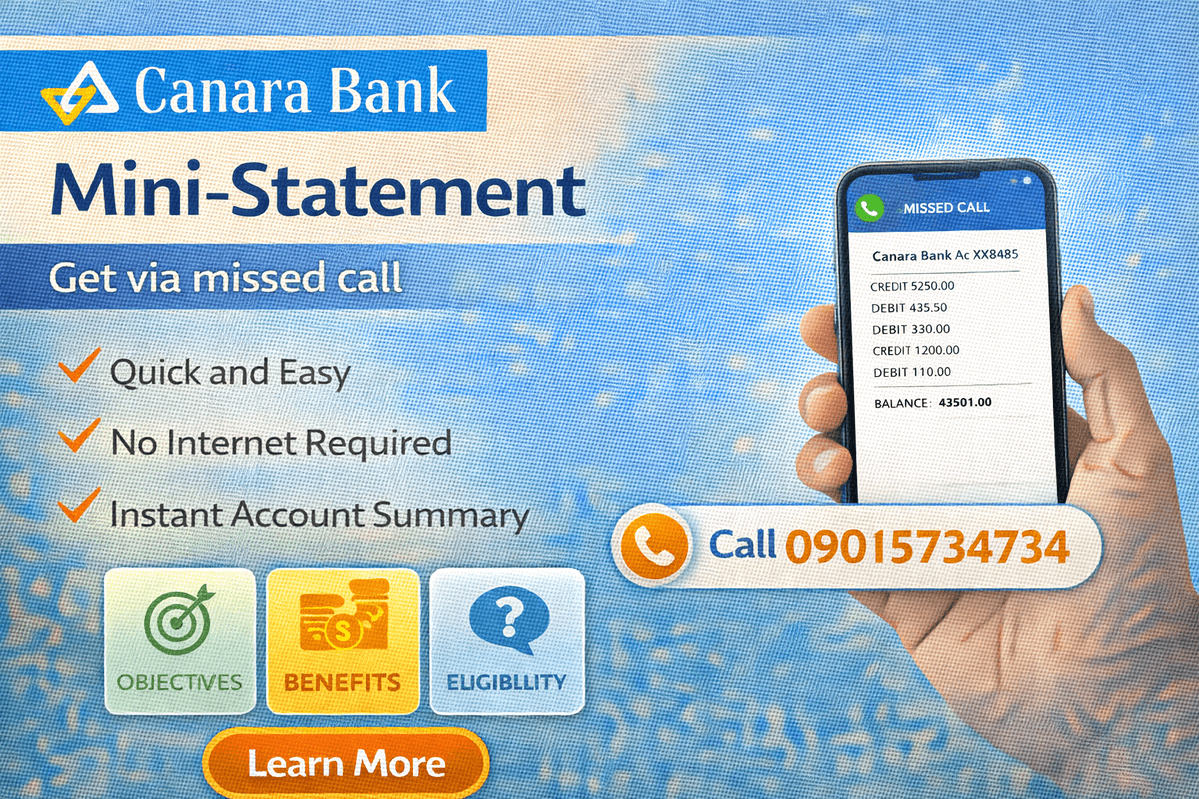
A Canara Bank mini statement is the quickest way to see your most recent account transactions without visiting a branch. It shows your last few debit and credit entries, so you can confirm a salary credit, check a payment, or spot a transaction you do not recognise. Canara Bank offers several ways to get it — missed call, mobile app, net banking, toll-free call, ATM and branch — and most of them take less than a minute.
This guide explains every method step by step, including the verified missed call numbers from Canara Bank’s official website, so you can pick the option that suits you best.
What Is a Canara Bank Mini Statement?
A mini statement is a short summary of the latest transactions on your account. Through the missed call service, Canara Bank sends your last 5 transactions by SMS. On the mobile app and net banking, you can view recent transactions on screen and, if needed, move on to a full account statement for a longer period.
A mini statement is meant for quick checks. For official purposes — such as a loan application, visa file or income proof — you will usually need a full account statement or an e-passbook instead.
People generally use a mini statement to confirm that a salary or pension credit has arrived, verify that a UPI or online payment actually left the account, check whether a cheque has cleared, or review the last few entries after an ATM withdrawal. Because it only shows recent activity, it answers these everyday questions in seconds, without a branch visit or a long statement download.

Canara Bank Mini Statement via Missed Call
The missed call service is the fastest method and works on any basic phone. Your mobile number must be registered with the bank for this to work, and you must call from that same number.
- Pick up the mobile phone linked to your Canara Bank account.
- Give a missed call on the number for your language — 09015734734 for English or 09015613613 for Hindi.
- The call disconnects on its own after a ring or two. You do not need to speak to anyone.
- Within a short while, you receive an SMS from the bank showing your last 5 transactions.
That SMS is your mini statement. Keep it saved if you need to refer to a UPI payment, cheque or deposit later.
| Missed Call Service | Number | What You Receive |
|---|---|---|
| Mini statement (English) | 09015734734 | Last 5 transactions by SMS |
| Mini statement (Hindi) | 09015613613 | Last 5 transactions by SMS |
| Account balance enquiry | 8886610360 | Current balance by SMS |
Mini Statement on the Canara Bank Mobile App
If you use Canara Bank’s mobile banking app (the bank’s app, earlier known as CANMOBILE), the mini statement is available on screen:
- Open the app and log in with your MPIN or credentials.
- Tap the profile icon.
- Select My Account from the options shown.
- Tap on Mini Statement.
- Your recent transactions appear on the screen.
The bank also offers the Canara eInfobook app, which works like a digital passbook and shows your transactions once the account is added. If your mobile number is not yet registered for mobile banking, read the registration section below — missed call, SMS and app services all depend on it. Our guide on linking a mobile number to a bank account explains why this registration matters for every bank.
Canara Bank Mini Statement via Net Banking
Net banking shows the same recent transactions with more detail, and you can download or print them:
- Open Canara Bank’s official net banking portal.
- Log in with your Customer ID (User ID) and password.
- Go to the accounts section and select your savings account.
- Choose the account statement or recent transactions option.
- Your latest transactions are displayed; select a date range if you need a longer statement, and download or print it if required.
Mini Statement Through the Toll-Free Number
You can also request a mini statement by calling Canara Bank’s toll-free number 1800 1030 from your registered mobile number. Select your preferred language when prompted, choose the mini statement service from the voice menu, and follow the instructions. The details are provided during the call or sent to you as per the IVR process.
Mini Statement at an ATM
Any ATM can print a mini statement slip for your Canara Bank account:
- Insert your Canara Bank debit card into the ATM and enter your PIN.
- From the menu, select the Mini Statement option (on some machines it appears under banking or other services).
- Choose your account type if asked.
- The machine displays the recent transactions and can print a slip showing them.
Keep the slip safe — it contains your account activity. If you use another bank’s ATM, the same steps generally apply through the shared ATM network.
Mini Statement at a Canara Bank Branch
If none of the above works — for example, your mobile number is not registered — visit any Canara Bank branch with your passbook or account details. The staff can print your recent transactions, update your passbook, or provide a signed statement if you need one for official use.
All Methods Compared
| Method | What You Get | What You Need |
|---|---|---|
| Missed call | Last 5 transactions by SMS | Registered mobile number |
| Mobile app | Recent transactions on screen | App login (MPIN/credentials) |
| Net banking | Transactions with download/print option | Customer ID and password |
| Toll-free call (1800 1030) | Mini statement via IVR | Registered mobile number |
| ATM | Printed mini statement slip | Debit card and PIN |
| Branch | Printed statement / passbook update | Passbook or account details |
How to Register Your Mobile Number with Canara Bank
Most mini statement methods need your mobile number registered with the bank. There are two ways to do this:
- At a branch: Visit your Canara Bank branch, provide your account details and the mobile number you want to register. After registration, you receive an SMS confirmation from the bank.
- Through the app: Account holders can also complete mobile number registration through the bank’s mobile app, as per the option available in it.
Once registered, the same number works for missed call banking, SMS alerts and mobile banking.
Safety Note
Your mini statement contains sensitive account information, so treat it carefully. Never share your OTP, ATM PIN, MPIN or net banking password with anyone — Canara Bank never asks for these on a call, SMS or email. Give missed calls only to the official numbers given on Canara Bank’s website, because fraudsters circulate look-alike numbers. If you ever receive an OTP you did not request, contact the bank immediately.
Related Guides
If you use other Canara Bank services, you may also find our guide on checking your Canara Bank credit card status useful, and if you are researching a Canara Bank personal loan, that page explains the schemes, eligibility and documents in detail.

Frequently Asked Questions
How can I get my Canara Bank mini statement by missed call?
Give a missed call from your registered mobile number to 09015734734 (English) or 09015613613 (Hindi). The call disconnects automatically and the bank sends your last 5 transactions by SMS.
How many transactions does a Canara Bank mini statement show?
The missed call service sends your last 5 transactions by SMS. The mobile app and net banking show recent transactions on screen, and you can select a date range there for a longer statement.
Can I get a mini statement without a registered mobile number?
Yes — missed call, app and toll-free services need a registered number, but you can still get a mini statement at any ATM using your debit card and PIN, or at a branch with your passbook or account details.
What is the difference between a mini statement and a full account statement?
A mini statement shows only your most recent transactions for a quick check. A full account statement covers a period you choose, can be downloaded or printed from net banking or the app, and is the version usually accepted for official purposes.
How do I register my mobile number for Canara Bank mini statement services?
Visit your branch with your account details and mobile number, and you will receive an SMS confirmation once it is registered. Registration is also available through the bank’s mobile app. After this, missed call, SMS and app services start working on that number.

She is a professional and experienced senior article writer and editor. She is working in Indian Government Schemes, Education, and Media Communication. She has completed her MJMC, and now working at StatusChecker.in as a Senior Editor and writer. She has more than ten years of experience in Media communication, and article writing. So we hope you will enjoy her article. If you have any complaints or suggestions for her. You can contact us through our Contact Us page.