
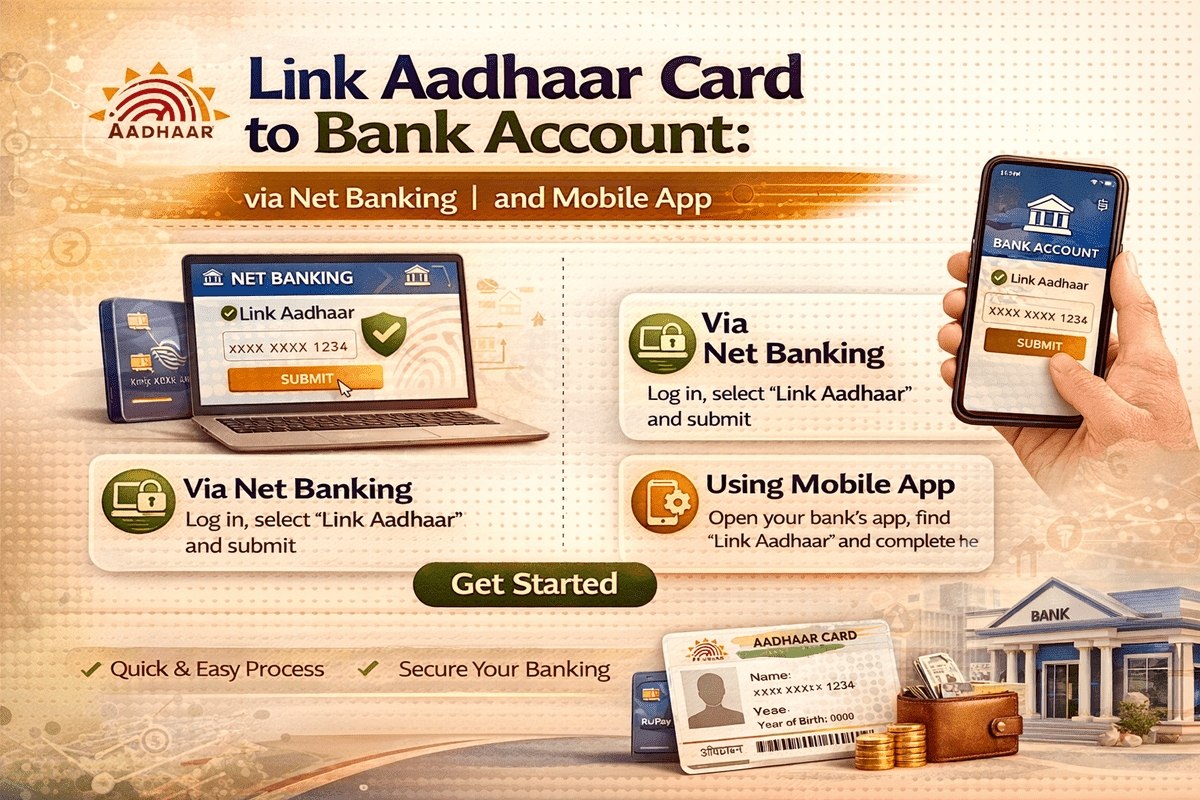
To receive government subsidies or other banking benefits directly into your bank account, you must link your bank account to your Aadhaar. If you did not link your Aadhaar at the time of opening your account, you can do so now; both online and offline methods are available for this purpose. Read on to learn more about Link Aadhaar Card to Bank Account.
Aadhaar seeding with your bank account can be performed online, either through internet banking or via the bank’s mobile application. However, users wishing to avail themselves of this facility must be registered with the bank.
Read more – HDFC Personal Loan status: Check Online / Offline and Know More
Benefits of Link Aadhaar Card to Bank Account
- Government benefits—such as welfare funds, scholarships, and MNREGA wages—can be deposited directly into your bank account.
- If your Aadhaar is linked to your bank account, government subsidies on items such as LPG, kerosene, and sugar can also be deposited directly.
- An Aadhaar-enabled account reduces the likelihood of fraudulent activity. It also prevents leakages in government expenditure and assists in detecting fraudulent transactions.
- Furthermore, the online, interoperable architecture of AEPS (Aadhaar Enabled Payment System) will facilitate residents’ access to their bank accounts from anywhere within the country.
Link Aadhaar Card to Bank Account by Visiting the Bank
To prevent their bank account from becoming inactive, it is mandatory for account holders to link their account with Aadhaar. You can easily link your bank account to your Aadhaar by visiting the nearest branch of your bank in your locality. The procedure for doing so is as follows:
- Fill out the form for linking your Aadhaar to your bank account. You can find the Aadhaar-linking form on your bank’s official website. If the form is not available on the website, please visit the nearest branch of your bank.
- Enter your bank account details and your Aadhaar number.
- Submit a self-attested photocopy of your Aadhaar card along with the form.
- Submit the form and the photocopy of your Aadhaar card at the counter, where you may be asked to present your original Aadhaar card for verification.
- Once your form has been accepted, it may take a few days to link your bank account with your Aadhaar. As soon as the Aadhaar linking is complete, you will be notified via a message sent to your registered mobile number.
Link Aadhaar Card to Bank Account via Net Banking
By following this process, you can easily link your bank account with your Aadhaar:
- Log in at https://retail.onlinesbi.sbi/retail/login.htm
- Enter your User ID and Password
- Go to the “My Account” section and click on “Update Aadhaar with Bank Accounts (CIF)”
- Enter your Profile Password to register your Aadhaar
- A page will open where you will be asked to enter your Aadhaar number twice
- After entering your Aadhaar number, click on the ‘Submit’ button
- A message will appear on the screen once your Aadhaar has been linked
Link Aadhaar Card to Bank Account via Mobile App
Banks have provided customers with the facility to link their Aadhaar via mobile applications. You can complete the Aadhaar seeding process by following the steps outlined below:
- Log in to your bank’s mobile application.
- Navigate to the “Services” tab within the “My Account” section and click on the “View/Update Aadhaar card details” option.
- Enter your Aadhaar number twice and click the “Submit” button.
- You will receive a confirmation message regarding the successful linking of your bank account with your Aadhaar card.
- Alternatively, you can link your bank account to Aadhaar offline by visiting your bank branch or a nearby ATM.
Link Aadhaar Card to Bank Account via ATM
Account holders can also link their Aadhaar to their bank account by visiting their bank’s ATM. To link their Aadhaar to their bank account, they must follow these simple steps:
- Swipe your ATM card and enter your PIN.
- Click on the “Registrations” option within the “Services” menu.
- Now, select the “Aadhaar Registration” option.
- Choose your account type (Savings/Current) and enter your 12-digit Aadhaar number.
- Re-enter the Aadhaar number and click the “OK” button.
- You will receive a confirmation message once your Aadhaar is successfully linked to your bank account.
Link Aadhaar Card to Bank Account via SMS
You should be aware that account holders can also link their bank accounts to Aadhaar via SMS. However, not all banks offer this facility. Furthermore, the SMS format—as well as the recipient number—varies across different banks. The following example illustrates how to link your State Bank of India (SBI) account to Aadhaar:
- Compose an SMS in the format “UID Aadhaar number Account number” (or `UID<space>Aadhaar number<space>Account number`) and send it to 567677.
- You will receive a confirmation message acknowledging that your linking request has been accepted.
- The bank will verify the information received with UIDAI.
- If your verification fails, you will receive a message requesting you to visit your nearest State Bank of India branch with your original Aadhaar card.
Read more – How to Check UCO Bank Loan Status: Online / Offline and Know More
Link Aadhaar Card to Bank Account via Phone Call
Many banks offer the facility to link a bank account with Aadhaar over the phone. Different banks have different designated numbers for this service. By following these steps, you can easily link your bank account to your Aadhaar:
- If your bank offers the facility to link Aadhaar via phone, give a missed call to the number provided by your bank.
- You will receive a callback from the bank, during which you can select the required option via the IVR system.
- Enter your 12-digit Aadhaar number and confirm it.
- As soon as your Aadhaar is successfully linked to your account, you will receive an SMS notification.
How to Check Aadhaar-Bank Account Linking Status
You can check whether your Aadhaar is linked to your bank account using any of the methods listed below:
- Via the UIDAI website
- Via mobile phone
- Via the mAadhaar app
Click here for more information regarding the Aadhaar-Bank Account Linking Status.
FAQs
Is it mandatory to link a bank account with Aadhaar?
No, linking a bank account with Aadhaar is not mandatory. You may submit your Aadhaar card to the bank as documentary proof, but doing so is not compulsory.
Is it necessary to link a personal loan account or credit card with Aadhaar?
No, linking a personal loan account or credit card with an Aadhaar card is not mandatory.
How can I check whether my bank account is linked with my Aadhaar card?
You can check the Aadhaar-bank account linkage status by visiting the official UIDAI website (https://resident.uidai.gov.in/bank-mapper).
Can I link my Aadhaar to multiple bank accounts?
Yes, you can link multiple bank accounts to your Aadhaar.
Can I link both my Aadhaar card and PAN card to my bank accounts?
Yes, you can link both your Aadhaar card and PAN card to your bank accounts. However, linking your PAN card to your bank account is mandatory, whereas linking your Aadhaar card is optional.

She is a professional and experienced senior article writer and editor. She is working in Indian Government Schemes, Education, and Media Communication. She has completed her MJMC, and now working at StatusChecker.in as a Senior Editor and writer. She has more than ten years of experience in Media communication, and article writing. So we hope you will enjoy her article. If you have any complaints or suggestions for her. You can contact us through our Contact Us page.