
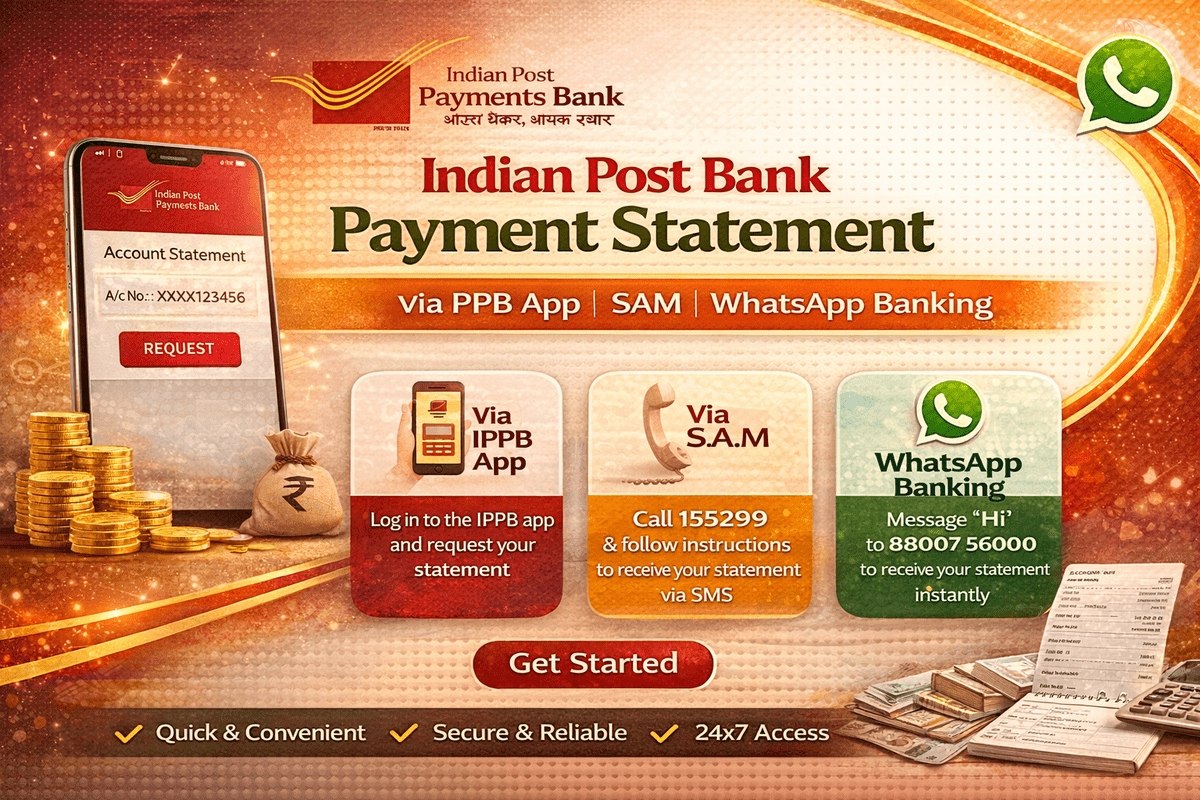
Your India Post Payments Bank statement shows every credit and debit in your IPPB account — salary and DBT payments coming in, money sent to family, bill payments going out. You may need it to confirm a payment, to apply for a scheme, or simply to keep your own records in order. The good news is that you do not have to stand in a queue to get it. India Post Payments Bank gives you several ways to obtain a statement or a mini statement: the IPPB mobile app, SMS banking, a missed call, WhatsApp Banking, your nearest post office, and even doorstep banking through your postman. This guide explains each method step by step, so you can pick the one that suits you.
Mini Statement vs Full Statement: What Is the Difference?
A mini statement shows only your most recent transactions — in the IPPB app, for example, you can see your last 10 transactions at a glance. It is enough for a quick check, such as confirming whether a payment has arrived. A full statement covers a period you choose — 30, 60 or 90 days, or any custom date range — and can be downloaded as a PDF file. A full statement is what you should use when a printed or shared record is needed for official work. Most of the quick methods below (SMS, missed call, WhatsApp) give you a mini statement, while the app and the post office can give you a full statement for a selected period.

Method 1: Download the Statement from the IPPB Mobile App
The IPPB mobile app is the most complete method, because it lets you download a proper PDF statement for any date range. If you are using the app for the first time, complete the one-time registration first:
- Open the Play Store on your mobile phone and download the IPPB App.
- Open the app, allow the necessary permissions, and tap on Login Now.
- Select the SIM card of the mobile number registered with your bank account, and tap on SMS Verification.
- On the registration page, enter your bank account number, Customer ID and date of birth, then tap Register.
- Set a 4-digit MPIN of your choice and tap Set MPIN.
- An OTP will be sent to your registered mobile number. Enter it in the app.
- A “Registration Successful” message will appear. Tap Login, and enter your MPIN to sign in.
If you have already registered and created your MPIN earlier, simply enter the MPIN to log in directly. Once you are on the dashboard:
- Tap on the Mini Statement option, which appears below your bank balance and account number. You will see your 10 most recent transactions.
- Below the list, tap on Passbook.
- Select a date range — you can choose 30 days, 60 days or 90 days, or use the Date Range option to enter your own start and end dates.
- Tap Download, select the PDF format, and allow the storage permission if the app asks for it.
Your statement will be saved on your phone as a PDF, ready to view, print or share. If you are opening an IPPB account for the first time, our guide on how to open an IPPB bank account explains the process in detail.
Method 2: Get a Mini Statement by SMS
If you do not have internet access or a smartphone, SMS banking works from any basic phone. Your mobile number must be registered with IPPB; if it is not, send REGISTER to 7738062873 from your registered number first. After that:
- Open the messaging app on your phone.
- Type BAL, followed by a space and the last 4 digits of your account number.
- Send the message to 7738062873 from the mobile number registered with your account.
- You will receive a reply SMS with your account details and recent transactions.
You can also type MINI and send it to the same number, 7738062873, to receive a mini statement of your last few transactions by SMS. Ordinary SMS charges from your telecom operator may apply, as with any message you send.
Method 3: Mini Statement by Missed Call
Missed call banking is the fastest option of all — you do not even need to type anything. If you have never used it, first register by giving a missed call to 8424054994 from your registered mobile number. After registration, simply give a missed call to 8424026886 from the same number. The call disconnects on its own, and within a short while you receive an SMS with your mini statement. This method works on every type of handset and needs no internet connection, which makes it very handy in areas with weak mobile data coverage.
Method 4: Mini Statement on WhatsApp Banking
IPPB also offers banking services on WhatsApp. To use it:
- Save the number 88007 56000 in your phone contacts as IPPB WhatsApp Banking.
- Open WhatsApp and start a chat with this number. Remember, your WhatsApp must be on the same mobile number that is linked to your bank account.
- Type Hi and send it.
- From the menu the bank sends you, select Mini Statement.
- Your recent transactions will appear in the chat itself.
Method 5: Statement from the Post Office
If you prefer face-to-face help, visit your nearest post office or IPPB access point with your IPPB QR card or account details and your Aadhaar-linked identification. The staff at the counter can check your account on their system, tell you your recent transactions, and provide a printout of your statement for the period you ask for. This is a good option when you need a printed statement for submitting somewhere and do not have a printer at home. Many IPPB customers are senior citizens or live in villages where the post office is close by, so this traditional route remains one of the most used.
Method 6: Doorstep Banking Through Your Postman
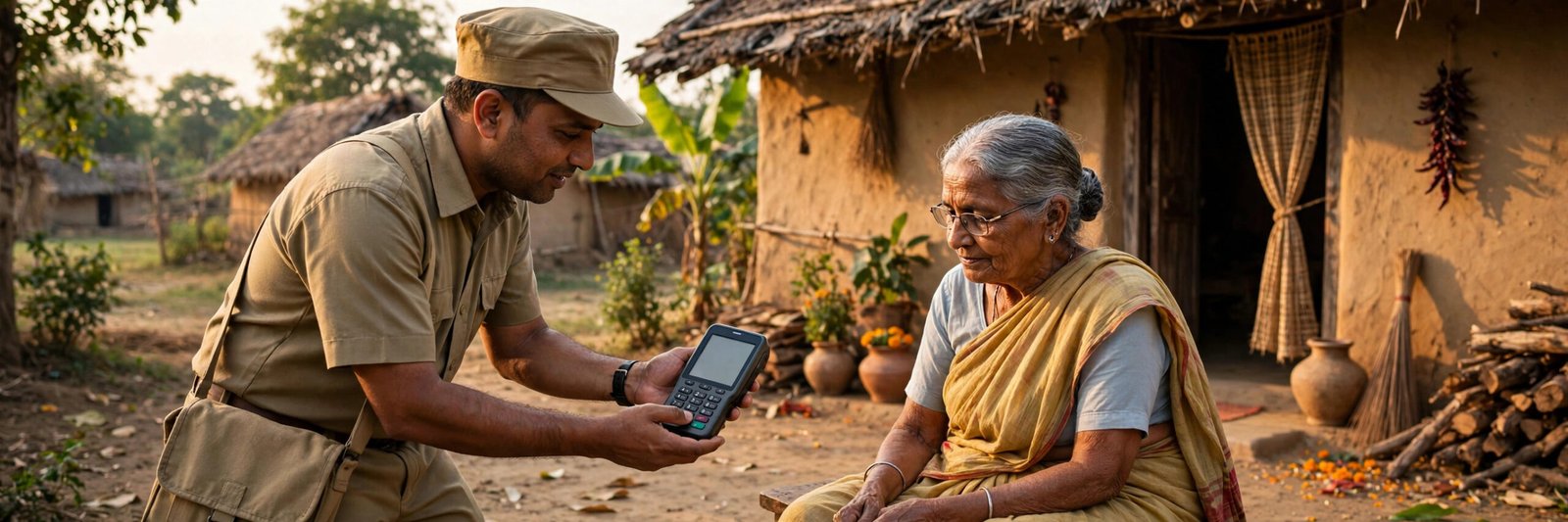
A special feature of IPPB is doorstep banking: your local postman or Gramin Dak Sevak carries a micro ATM device and can serve you at your home. Through doorstep banking you can ask for your balance and recent transactions, and request account-related services without travelling anywhere. The official authenticates you — typically with your fingerprint on the device — and shows or confirms your recent transaction details on the spot. You can book a doorstep banking request through IPPB phone banking by calling the customer care number 155299, or simply ask your postman on his round. This service is especially useful for elderly customers and for villages far from a post office. Other banks work differently — for comparison, see how an IDBI Bank statement is downloaded online.
All IPPB Statement Methods Compared
| Method | What You Get | What You Need | Internet Needed? |
|---|---|---|---|
| IPPB Mobile App | Full statement (PDF) + mini statement | Smartphone, account number, Customer ID, registered mobile | Yes |
| SMS Banking | Mini statement by SMS | Registered mobile number | No |
| Missed Call | Mini statement by SMS | Registered mobile number | No |
| WhatsApp Banking | Mini statement in chat | WhatsApp on registered number | Yes |
| Post Office / Access Point | Statement printout at counter | QR card / account details and ID | No |
| Doorstep Banking | Recent transactions at home | Postman / Dak Sevak visit, biometric authentication | No |
Safety Note: Protect Your Account
Whichever method you use, keep one rule in mind: never share your OTP, MPIN or any password with anyone — not on a call, not on WhatsApp, not by SMS. IPPB and India Post staff will never phone you to ask for your MPIN or an OTP. Also download the IPPB app only from the official Play Store listing, and use only the official numbers given in this article. If someone calls claiming to be from the bank and asks you to “verify” a code, cut the call and dial 155299 yourself to check.
Frequently Asked Questions
How do I download a full India Post Payments Bank statement in PDF?
Open the IPPB mobile app and log in with your MPIN. Tap Mini Statement, then Passbook, choose a date range (30, 60, 90 days or a custom range), tap Download and select PDF. The full statement for that period will be saved on your phone.
How can I get an IPPB mini statement without internet?
You have three offline options: send MINI by SMS to 7738062873 from your registered number, give a missed call to 8424026886, or visit your post office. You can also ask your postman for doorstep banking.
What is the IPPB WhatsApp Banking number for a mini statement?
Save 88007 56000 in your contacts, open the chat from the WhatsApp number registered with your account, send “Hi” and choose Mini Statement from the menu. Your recent transactions will be shown in the chat.
How many transactions does the IPPB mini statement show?
In the IPPB app, the Mini Statement option displays your 10 most recent transactions. SMS, missed call and WhatsApp mini statements show your last few transactions. For a longer record, download the full statement PDF from the app’s Passbook section or ask at the post office.
What should I do if my registered mobile number has changed?
SMS, missed call and app services all work only with the mobile number registered with IPPB. If your number has changed, visit your post office or IPPB access point with your ID proof and get the new number updated in your account, then register again for the app and SMS banking.

She is a professional and experienced senior article writer and editor. She is working in Indian Government Schemes, Education, and Media Communication. She has completed her MJMC, and now working at StatusChecker.in as a Senior Editor and writer. She has more than ten years of experience in Media communication, and article writing. So we hope you will enjoy her article. If you have any complaints or suggestions for her. You can contact us through our Contact Us page.