
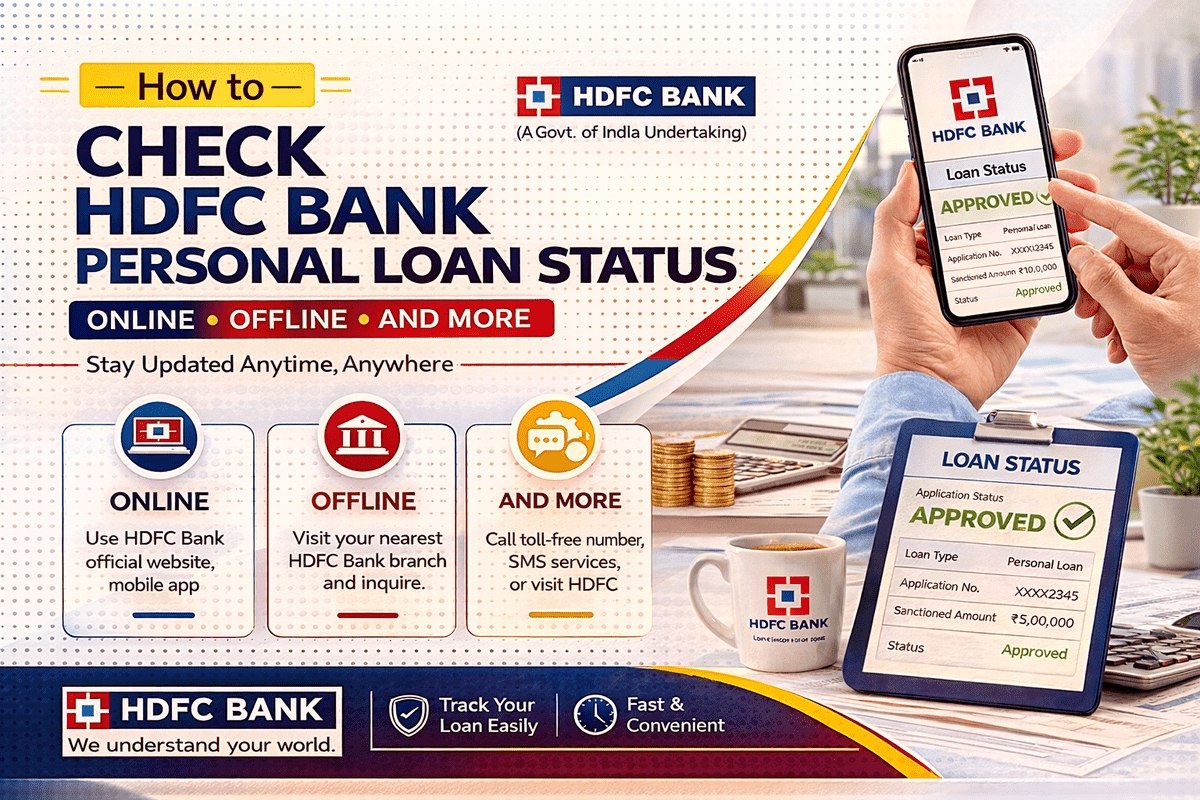
Applied for an HDFC Bank personal loan and refreshing your inbox for news? You do not have to wait for the bank to call you. Your hdfc personal loan status can be checked any time — online through the bank’s application tracker or your mobile number, in net banking and the apps if you are an existing customer, and offline through personal loan customer care or a branch.
This page is only about personal loans: the application reference, the verification stages a personal loan file passes through (including the FTNR remark many applicants see), and what happens after the money reaches your account. For a home, auto, business or any other loan, use our general guide to track other HDFC loans instead.
What You Need to Check Your Status
- Applicant’s full name, as written in the application
- Reference Number (Proposal Number) — sent on SMS and email when your application is submitted; it is also quoted in any follow-up communication from the bank
- Registered mobile number — the number given in the application form
- Date of birth of the applicant
Keep the acknowledgement SMS safe. The reference number in it is the fastest way to pull up your file on every channel below.

Check HDFC Personal Loan Status Online
Via the HDFC Loan Application Tracker
- Visit the official HDFC Bank website and click on the ‘Personal Loan’ tab.
- Go to the ‘Manage Your Loan’ section and click on ‘Track Your Application’.
- The HDFC Personal Loan Tracker opens in a new tab. Enter your name and the Reference/Proposal Number.
- Enter your Date of Birth and Mobile Number, and fill in the captcha if shown.
- Submit the details — your current personal loan status is displayed on the screen.
Via Mobile Number
- On the HDFC Bank website, click on the ‘Personal Loan’ tab.
- In ‘Manage Your Loan’, click on ‘Resume Your Application’.
- A tracking page opens. Enter the mobile number you provided in your loan application and click ‘Proceed’.
Note that the mobile number must be the same one given during the application — a different number will not fetch your file.
Via Net Banking, MobileBanking App and Loan Assist
Existing HDFC Bank customers can also log in to Net Banking or the MobileBanking app and open the ‘Loans’ section to see applications linked to their customer ID. The bank’s Loan Assist app, available on the Play Store and App Store, is built for loan customers — sign in with your registered mobile number to view your application and, after disbursal, your loan details.
The Personal Loan Journey, Stage by Stage
A personal loan is unsecured, so HDFC Bank’s checks concentrate on you — your income, documents and repayment record — rather than on any property or vehicle. Your file typically moves like this:
| Stage | What is happening | What you should do |
|---|---|---|
| Applied / file logged in | Your form and documents are entered into the bank’s system and a reference number is generated. | Save the reference number SMS/email. |
| Verification | The bank verifies your KYC and income documents, checks your credit history, and may do a tele-verification or office/residence verification. | Keep your phone reachable and answer calls from the bank’s verification team. |
| FTNR (if it appears) | The file has been flagged because something was not in order on the first check — a form, KYC, banking or income item needs attention. | Respond quickly with whatever document or correction the bank asks for; see the section below. |
| Credit approval / sanction | A credit manager approves the loan and fixes the amount and tenure you are sanctioned for. | Review the sanctioned amount and terms before accepting. |
| Agreement and disbursal | You sign the loan agreement and repayment mandate, after which the amount is credited to your bank account. | Confirm the credit in your account and note your first EMI date. |
What Does FTNR Mean in a Personal Loan Status?
FTNR stands for “First Time Not Right”. It simply means that when your file was first checked, one or more items were not in order, so the file could not move ahead as-is. In HDFC Bank’s internal process, FTNR is marked for reasons such as an application-form issue, a KYC gap, a banking-related item (for example, bank statement details), a financials or income-norms issue, a question on your existing loans or repayment track, or a missing self-attestation.
An FTNR remark is not a rejection. In most cases the bank or its representative contacts you for the pending document or correction — an updated bank statement, a clearer KYC copy, a missing signature — and the file goes back into verification once you provide it. The sooner you respond, the sooner your application moves to the credit decision.
After Approval: Disbursal and What to Check Next
Once your personal loan is sanctioned and the agreement formalities are complete, the loan amount is credited directly to your bank account, and you receive a confirmation from the bank. From this point, “application status” ends and your loan account servicing begins. Log in to Net Banking or the app and open your loan account to see:
- Your EMI schedule — the amount and due date of every instalment
- The first EMI date, so you can keep the repayment account funded before it
- Your loan statement, which records each EMI paid and the outstanding balance
Pre-approved offers for existing customers move faster than a fresh application, because the bank already holds your KYC and account history — but the checking channels above stay the same either way.
Check HDFC Personal Loan Status Offline
Call customer care: Personal loan customers can call 1800 1600 or 1800 2600 between 8:00 AM and 8:00 PM, on any day of the week including Saturdays and Sundays. HDFC Personal Loan Customer Care can also be reached at 1800 202 6161 or 1860 267 6161, any day between 8:00 AM and 8:00 PM — please note that you must prefix the STD code of your city before calling these numbers.
Visit your nearest branch: Walk in with your Loan Reference Number and an ID proof, and the staff will check your application status on their system.
Factors That Influence an HDFC Personal Loan Application
- Location: The minimum salary required for a personal loan depends on your city of residence — it is higher in metropolitan cities like Delhi and Mumbai than in other regions.
- Income: Higher income means eligibility for a higher loan amount, as it indicates a greater capacity to repay.
- Existing loans: Your current debts play a crucial role. Banks specifically evaluate the EMI-to-NMI (net monthly income) ratio when approving a personal loan.
- Credit history: Your credit score is a pivotal factor in the loan amount, tenure and pricing offered, and a discrepancy in your credit history can lead to rejection. The bank has set a minimum credit score of 650 as a criterion for eligibility.
- Employment: According to HDFC Bank, employees of Private Limited companies, as well as those working in the public sector — Central, State and Local Government bodies — are eligible to apply for a personal loan.
Comparing lenders? You can follow the same approach with our guides to IndusInd Bank loan status and Kotak Mahindra Bank personal loan status.
Safety note: Checking a loan status never needs an OTP, PIN, password or CVV. If a caller claims to be from HDFC Bank and asks for any of these to “release” or “verify” your loan, it is a scam — hang up and call the official numbers above yourself.

FAQs
How long does the HDFC personal loan application process take?
Personal loans are typically approved within 4 hours of submitting the loan application and the necessary documents, provided everything is in order. If your file is marked FTNR or verification takes longer, the process extends until the pending item is resolved.
How can I check my HDFC personal loan status using my mobile number?
On the HDFC Bank website, open the ‘Personal Loan’ tab, go to ‘Manage Your Loan’ and choose ‘Resume Your Application’. Enter the mobile number given in your application and click ‘Proceed’. You can also call 1800 1600 or 1800 2600.
How do I contact HDFC personal loan customer care?
Call 1800 202 6161 or 1860 267 6161 on any day between 8:00 AM and 8:00 PM (prefix your city’s STD code), or use 1800 1600 / 1800 2600 during the same hours.
What does FTNR mean in my HDFC personal loan status?
FTNR means “First Time Not Right” — something in your file (a form detail, KYC document, bank statement or income item) was not in order at the first check. It is not a rejection; provide the document or correction the bank asks for and your file moves forward.
What information is required to check HDFC personal loan status?
The applicant’s name, the Reference/Proposal Number, the registered mobile number and the date of birth. The online tracker asks for a combination of these details.

She is a professional and experienced senior article writer and editor. She is working in Indian Government Schemes, Education, and Media Communication. She has completed her MJMC, and now working at StatusChecker.in as a Senior Editor and writer. She has more than ten years of experience in Media communication, and article writing. So we hope you will enjoy her article. If you have any complaints or suggestions for her. You can contact us through our Contact Us page.