
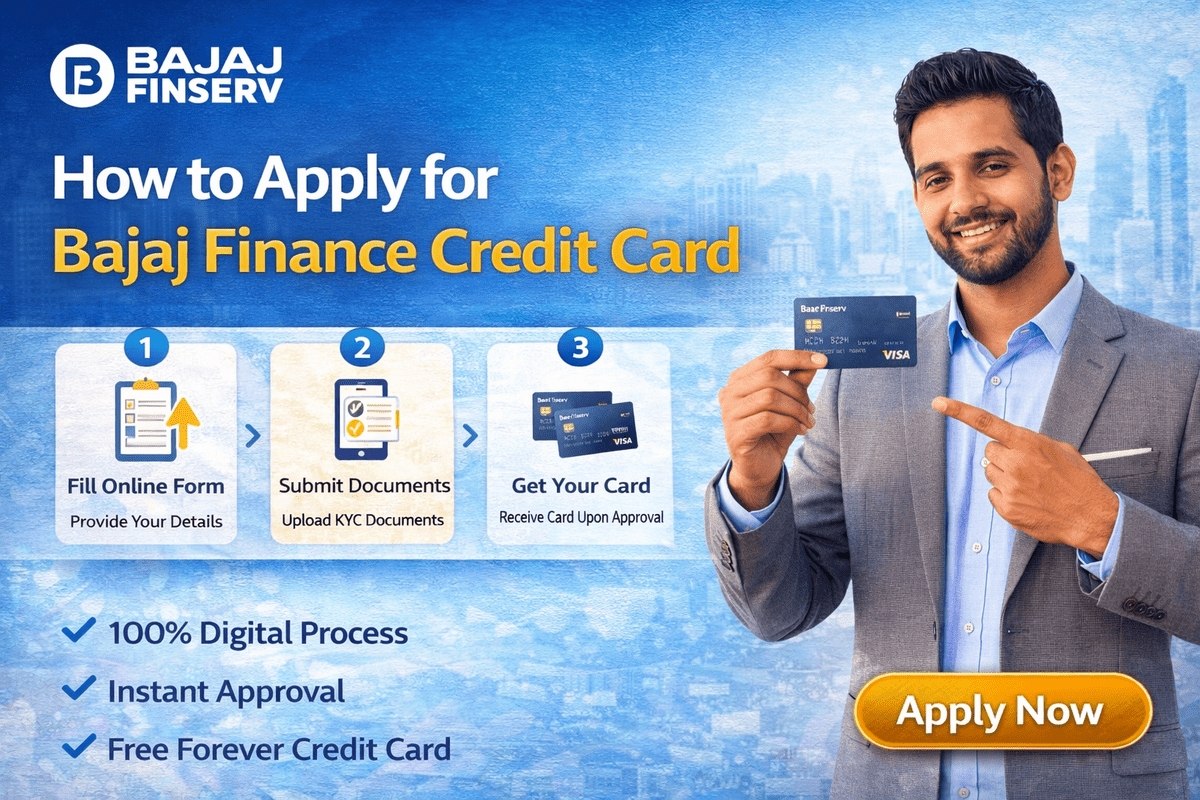
The Bajaj Finance Card — officially the Bajaj Finserv EMI Network Card, now offered as the Bajaj Finserv Insta EMI Card — is a digital card that lets you pay for products at partner stores and e-commerce websites in monthly instalments instead of paying the full amount at once. It is not a regular credit card; it works on a pre-qualified limit assigned after Bajaj Finserv checks your profile. This guide explains what the bajaj finance card is, who can apply, which documents are needed, how the online application works, what it costs, and how to check your card status, limit and block or unblock the card.
What is the Bajaj Finance Card?
The card is issued by Bajaj Finserv (through Bajaj Finance) and is accepted across its EMI Network of partner stores and online platforms such as Amazon and Flipkart. When you buy an eligible product, its price is converted into a loan repaid in equal monthly instalments (EMIs) over a tenure you select at purchase. The card is fully digital: there is no plastic card, and the details are viewed in the Bajaj Finserv app after approval.
Many products on the network are sold with ‘No Cost EMI’ offers. On such offers, the interest component is adjusted through a discount given by the seller or manufacturer, so the total repaid equals the product’s price. Not every product carries such an offer, though — the instalment plan and any charges are shown before you confirm a purchase, so read that breakup carefully.

Bajaj Finance Card Eligibility
To apply for the card, you generally need to meet the following conditions:
- You must be a resident citizen of India.
- Your mobile number must be linked to your Aadhaar Card — application and verification happen through OTPs sent to this number.
- Your age should fall within the band Bajaj Finserv lists for this card — its Insta EMI Card page currently states 21 to 65 years (the criteria on the application page when you apply are final).
- You should have a good credit score (CIBIL score), since the limit and approval depend on your credit profile.
- You must have a regular source of income.
- You need a bank account on which an auto-debit facility can be enabled through NACH/e-Mandate approval, so that EMIs are collected automatically.
Documents Required to Apply
The application is completed online, and Bajaj Finserv states that no physical documents have to be submitted — your PAN and Aadhaar details are used for digital identity verification. Keep the following ready:
- Aadhaar Card (and its number)
- Mobile number linked to the Aadhaar Card
- PAN Card (and its number)
- Cancelled cheque — used for the e-mandate/bank account setup
- Recent passport-sized photograph, if asked during the process
- A savings account with internet access, for completing the e-mandate verification
Key Features of the Card
- Instalment conversion: Eligible purchases at partner stores and websites are split into monthly instalments at checkout.
- Pre-qualified limit: The limit is decided from your CIBIL score and income. The card was earlier offered with limits of up to Rs. 2,00,000; Bajaj Finserv now displays pre-qualified offers of up to Rs. 3 lakh on its website. The amount assigned to you is the one shown during your application.
- Flexible tenure: You select the repayment tenure while buying; tenures of up to 24 months have commonly been offered on this card, and the options shown at checkout are final for that purchase.
- No income proof in many cases: If your CIBIL score is strong, Bajaj Finserv may not ask for income proof, a guarantor or security documents.
- Fully online process: Application, KYC and activation are completed from home, and the digital card appears in the Bajaj Finserv app.
Bajaj Finance Card Fees and Charges
| Charge | Details |
|---|---|
| Joining / activation fee | A one-time fee of Rs. 530 (inclusive of applicable taxes), as listed by Bajaj Finserv, is paid during the application to activate the card. |
| Annual fee | Bajaj Finserv states that no annual charges are levied on the Insta EMI Card. (Older write-ups mention an annual fee, so rely on the current fee schedule on the official website.) |
| Other charges | Late EMI payment and other applicable charges may apply as per the loan terms shown to you. Fees are revised from time to time. |
There is no fee for submitting the application, but the Rs. 530 joining fee must be paid to activate the card after approval. Confirm the current charges on bajajfinserv.in before proceeding, as amounts do change.
How to Apply for a Bajaj Finance Card Online
- Open the official website, bajajfinserv.in, go to the ‘EMI Network Card’ section and click on the ‘EMI Card’ option (the product is now shown as the Insta EMI Card).
- Enter your 10-digit mobile number and click ‘Apply’ / ‘Get It Now’.
- Enter the 6-digit OTP sent to your mobile number and click ‘Submit’.
- Fill in your details exactly as they appear on your Aadhaar and PAN: full name, date of birth, PAN number, address PIN code, employment status (salaried or self-employed) and gender. On the current flow, you can allow your details to be auto-fetched and then verify them.
- Click ‘Proceed’. After verification, your pre-qualified Bajaj Finance Card limit will be displayed.
- Complete the KYC step by confirming that the details shown match your Aadhaar Card and PAN Card, and click ‘Confirm’.
- Pay the one-time joining fee of Rs. 530 using UPI, net banking, a debit card or a credit card.
- On successful payment, your digital Bajaj Finance EMI Card is generated, and you can view its details in the Bajaj Finserv app.
Activating the E-Mandate
Before you can shop with the card, your E-Mandate must be verified so EMIs can be auto-debited from your bank account. In the app or portal, click ‘Activate Now’, choose net banking or debit card, accept the terms and proceed. The bank verifies your account — a small Rs. 1 credit may be made for verification — and you confirm with the OTP sent to your registered mobile number, entering card details such as expiry date and name where asked. The e-mandate can also be registered with your bank account number and IFSC, validated by OTP. Once this KYC step is complete, the card is ready to use.
If you are comparing this card with a regular bank credit card, our explainer on how to apply for a credit card covers that process separately, and cardholders waiting on a bank card delivery can see how application tracking works in the SBI credit card status guide.
How to Check Card Status and Limit
You can view your card’s status — active or blocked, with the reason for a block — along with your total and available limit in these ways:
- Bajaj Finserv app: Sign in with your registered mobile number and OTP, open the card section (‘My Relations’), select your Insta EMI Card and view the card details, available limit, validity and transactions.
- My Account customer portal: Sign in on the Bajaj Finserv website with your registered mobile number and OTP, verify with your date of birth if asked, and select the card under ‘My Relations’.
- Customer care: Bajaj Finserv’s customer care helpline, 086980 10101 (as listed on its website), can also share card details when you call from your registered number.
How to Block or Unblock the Card
If your phone is lost or you see a transaction you do not recognise, block the card immediately via My Account or customer care. If you blocked it yourself earlier and want to use it again, Bajaj Finserv’s official steps are:
- Sign in to ‘My Account’ with your registered mobile number and the OTP.
- Enter your date of birth for verification and proceed.
- Select the card you want to unblock from ‘My Relations’.
- Click ‘Unblock Card’ in the ‘Quick Actions’ section.
- Verify with the OTP sent to your registered mobile number and proceed.
A card can also be blocked by Bajaj Finserv for reasons such as an overdue EMI. In that case, unblocking generally requires clearing the outstanding dues first; the status page in My Account shows the reason for the block.
Staying Safe
Safety note: Bajaj Finserv will never ask for your OTP, card PIN, net banking password or full card details on a call or message. Never share these with anyone. Apply only through the official website or app, check the instalment breakup and charges before confirming any purchase, and keep your registered mobile number updated for alerts and OTPs.

Frequently Asked Questions
What documents are required to apply for a Bajaj Card?
You need an Aadhaar Card, the mobile number linked to it, a PAN Card, a cancelled cheque and a savings account. The process is digital, so your PAN and Aadhaar details are used for verification rather than physical document submission.
Can I apply for a Bajaj Finance Card online?
Yes. The complete application — mobile verification, KYC, fee payment and e-mandate setup — is done online on the official Bajaj Finserv website or app, provided you meet the eligibility criteria.
What is the Bajaj Finance app called?
The app is called Bajaj Finserv. Your digital card details, limit and transactions are visible in it after the card is issued.
How much does it cost to get a Bajaj Finance Card?
Applying is free, but a one-time joining fee of Rs. 530 (including taxes), as listed by Bajaj Finserv, must be paid to activate the card. Bajaj Finserv states there are no annual charges on the Insta EMI Card; confirm the latest fee schedule on the official website.
How can I check my Bajaj Finance Card limit and status?
Sign in to the Bajaj Finserv app or the My Account portal with your registered mobile number and OTP, and select your card under ‘My Relations’. You can see the available limit, card details, transactions and whether the card is active or blocked.

She is a professional and experienced senior article writer and editor. She is working in Indian Government Schemes, Education, and Media Communication. She has completed her MJMC, and now working at StatusChecker.in as a Senior Editor and writer. She has more than ten years of experience in Media communication, and article writing. So we hope you will enjoy her article. If you have any complaints or suggestions for her. You can contact us through our Contact Us page.