
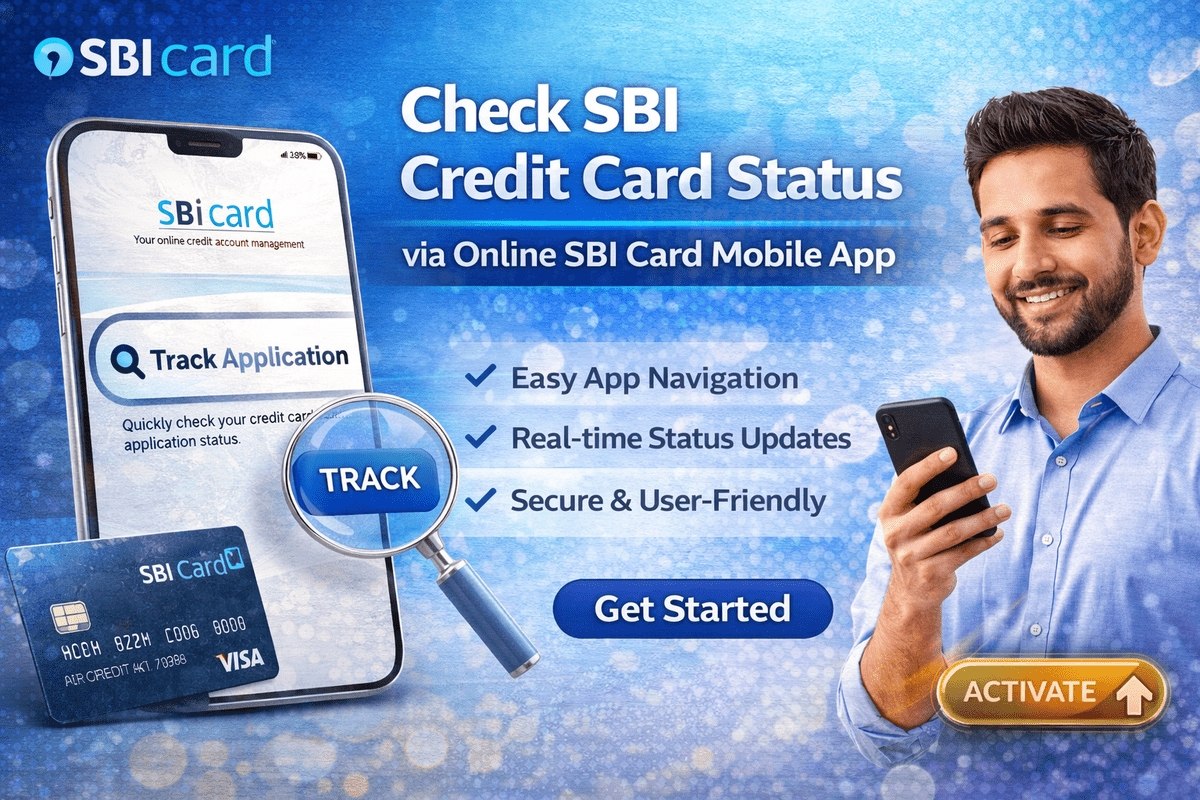
Applied for an SBI credit card and now refreshing your phone for updates? Checking your SBI credit card status takes less than two minutes once you know where to look. SBI Card lets you track your application on its official website and mobile app, and you can also ask customer care or your branch. This guide walks you through every method step by step, explains what each status message actually means, and tells you what to do if your application seems stuck.
What You Need Before You Track Your Application
Every tracking method works with one key detail: your application number, also called the reference number. You receive it when you submit your application — online applicants see it on the confirmation screen, and it is also sent by SMS and email to your registered mobile number and email ID. If you applied at a branch or through an executive, the number is printed on your application acknowledgement copy.
Keep these two things handy before you start:
- Your application / reference number
- Your registered mobile number, because some steps verify you with an OTP
Lost the number? Do not worry — there is a retrieve option on the same tracking page, covered in its own section below.

How to Check SBI Credit Card Status Online on the Website
The fastest method is the Track Application tool on the official SBI Card website, sbicard.com. It works on any phone or computer browser and needs no login or registration.
- Open sbicard.com and find the Track Application widget on the home page (it also appears on the online application page).
- Click on the Track Application option.
- Enter your Application No. / Reference No. exactly as received.
- Click Track.
- If an OTP is asked for, enter the one sent to your registered mobile number to verify yourself.
- Your current application status appears on the screen.
You can repeat this check as often as you like — it is free and unlimited.
Track Your Application on the SBI Card Mobile App
If you prefer using your phone, the SBI Card mobile app carries the same tracking facility.
- Download the SBI Card app from the Google Play Store or Apple App Store.
- Open the app and tap the Track Application option.
- Enter your application number / reference number.
- Complete the OTP verification on your registered mobile number if prompted.
- The app displays whether your application is in process, approved, dispatched or closed.
The same app later lets you view your card, generate the PIN and pay bills after approval.
Check SBI Credit Card Status Through Customer Care
Prefer speaking to a person? SBI Card’s helpline works 24×7. Keep your application number ready, because the executive will ask for it first.
- Call 1860 180 1290, or dial 39020202 prefixed with your local STD code (for example, 011-39020202 from Delhi).
- Choose your language — Hindi or English.
- Follow the IVR options for credit card application status, or choose to speak with a customer care executive.
- Share your application number and basic details for verification.
- The executive checks and tells you the current status right away.
Calling is also better when the website shows a confusing status — an executive can see internal remarks, such as a pending document or failed verification call, that the tracker does not display.
Check the Status at an SBI Branch
If you applied through a branch, or simply live near one, you can ask in person. Visit the branch, go to the credit card desk or help desk, and tell the official you want to know your application status. Carry a photo ID and your application acknowledgement. The official looks up the application and tells you where it stands within a few minutes. This route is slower than tracking online, but useful if you also need to submit a missing document on the spot.
Forgot Your Application Number? Retrieve It First
No application number, no problem. The tracking page has a second tab for exactly this situation.
- On sbicard.com, open the Track Application page.
- Click the Retrieve Application option.
- Enter your date of birth and PAN number as given in the application.
- Click Retrieve — your application number appears on the page.
- Note it down and use it in the Track Application tab to see your status.
If the retrieve tool says no record found, wait a day or two after applying — very fresh applications sometimes take time to appear in the system — and check that the date of birth and PAN match your form exactly.
What Each SBI Credit Card Status Means
The tracker uses short labels. Here is what each one means and what you should do next.
| Status | What It Means | What You Should Do |
|---|---|---|
| Application Received / In Process | Your application is with SBI Card and is being checked — documents, eligibility and credit history are under review. | Wait patiently and answer any verification calls from the bank. |
| On Hold | Processing has paused, usually because a document is missing or a verification step is incomplete. | Call customer care to find out exactly what is pending, then submit it quickly. |
| Approved | Your card is sanctioned. It will now be printed and dispatched to your address. | Watch for the dispatch SMS/email with your courier details. |
| Dispatched | The card has left SBI Card through a courier and is on its way to you. | Track it with the courier tracking ID sent by SMS/email. |
| Delivered | The courier has handed over the card at your address. | Generate your PIN and activate the card before first use. |
| Disapproved / Rejected | The application did not meet SBI Card’s eligibility or credit policy this time. | Review the likely reasons — credit score, income, incomplete documents — and improve them before applying again. |
| No Records Found | The details entered do not match any application in the system. | Re-check the number for typing errors, or retrieve it using your date of birth and PAN. |
How Long Does SBI Card Take to Approve an Application?
SBI Card’s overall turnaround time for an application is up to 21 days, counted from the day you submit the application along with all required documents. Many complete applications move faster, but two things commonly stretch the timeline: a document that needs re-submission, and verification calls that go unanswered. So if an unknown number calls about your application in the first few days, pick it up — a missed verification call is one of the most common reasons an application stalls or goes on hold.
You will also get updates as the application moves: SBI Card sends SMS and email alerts at key stages, including approval and dispatch. If your status shows Approved, the wait for the physical card is a delivery matter now, not an approval matter — already approved? Track your card’s delivery here.
Application Stuck? Do This Before You Worry
If the status has not moved for many days, work through this checklist:
- Answer verification calls. SBI Card may call your mobile, home or office number to confirm details.
- Ask what is pending. Call 1860 180 1290 and ask directly whether any document or detail is missing.
- Check your details match. A name, date of birth or PAN typed differently on the form can freeze verification.
- Give it the full window. Tracking stays available for roughly 30 to 45 days after applying, and decisions can take up to the 21-day processing window.
Checking how other banks handle tracking can also help you compare processes — for example, our guides to YES Bank credit card status and ICICI credit card application status follow a similar online pattern.
Stay Safe While Tracking
A quick safety note: track your application only on the official sbicard.com website or the genuine SBI Card app from the Play Store / App Store. SBI Card will never ask for your card PIN, CVV, full card number, net-banking password or an OTP on a phone call, SMS or email to “release” or “speed up” your application. Never share an OTP with anyone — not even someone claiming to call from SBI Card. If a call feels suspicious, cut it and dial the official helpline yourself.

Frequently Asked Questions
How do I check my SBI credit card status online?
Visit sbicard.com, open the Track Application tool, enter your application / reference number and click Track. Verify with the OTP sent to your registered mobile number if asked, and your current status is displayed instantly.
For how long can I track my SBI credit card application?
You can track the status of your SBI Card application for approximately 30 to 45 days after applying. Most decisions arrive well within this period, since the overall processing time is up to 21 days from submission of the application and all documents.
I have forgotten my application ID. What should I do?
Use the Retrieve Application option on the tracking page. Enter your date of birth and PAN number, click Retrieve, and your application number appears on screen. You can also confirm your status with customer care using your registered mobile number and date of birth.
Why is my SBI credit card application on hold?
An on-hold status usually means something is incomplete — a missing or unclear document, or a verification step the bank could not finish. Call 1860 180 1290, ask exactly what is pending, and submit it at the earliest so processing resumes.
What happens after my application is approved?
SBI Card prints your card and dispatches it by courier to your address, and you receive the courier details by SMS and email. Once it arrives, generate your PIN and activate the card before using it. Our delivery and activation guide covers each of those steps in detail.

She is a professional and experienced senior article writer and editor. She is working in Indian Government Schemes, Education, and Media Communication. She has completed her MJMC, and now working at StatusChecker.in as a Senior Editor and writer. She has more than ten years of experience in Media communication, and article writing. So we hope you will enjoy her article. If you have any complaints or suggestions for her. You can contact us through our Contact Us page.