
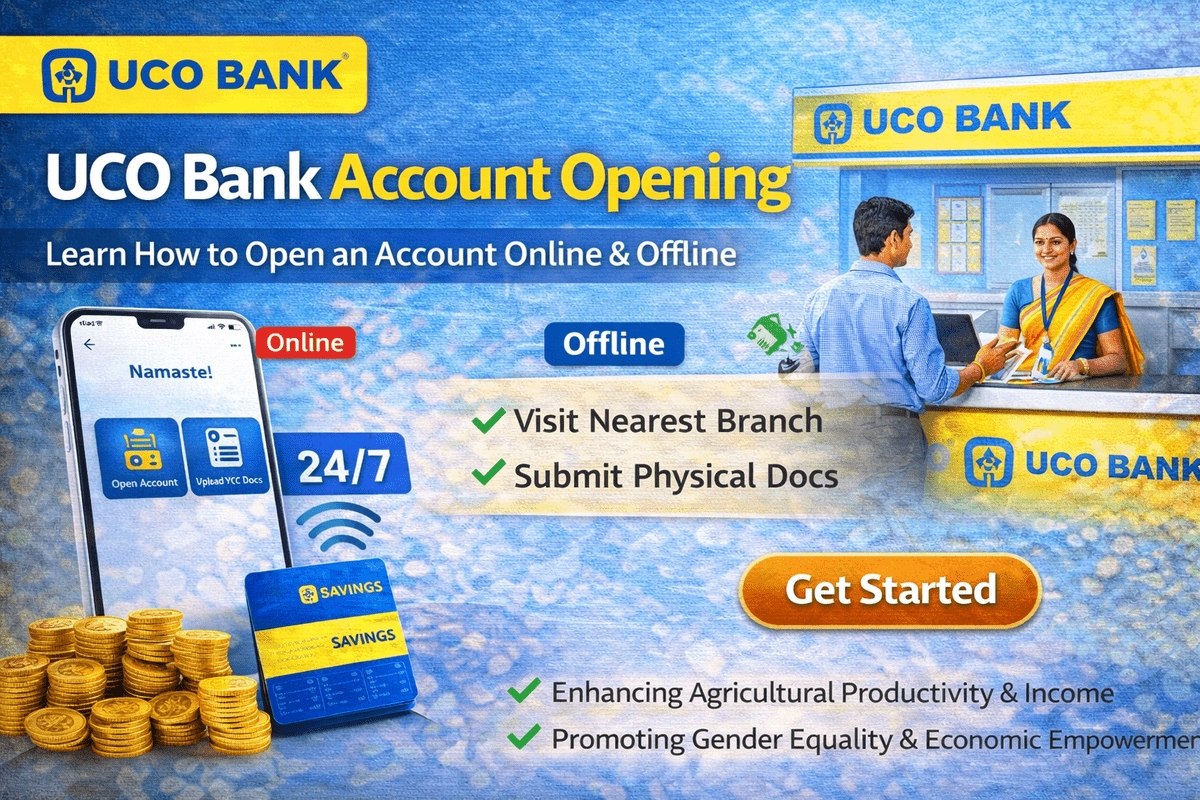
Planning a UCO bank account opening but not keen on spending half a day at a branch? You do not have to. UCO Bank lets you open a savings account online from home through its mobile apps, and the whole application — including identity verification — can be finished on your phone. If you prefer face-to-face help, the offline branch route is equally simple. This guide walks you through both methods, the documents you should keep ready, and what happens after you apply, so you can choose the route that suits you and complete it without a repeat visit.
Who Can Open a UCO Bank Account Online?
The online route is built around Aadhaar-based e-KYC, so it suits you if you hold a valid Aadhaar card and a PAN card in your own name. One condition matters more than everything else: your Aadhaar must be linked with your mobile number. The bank sends one-time passwords to that number at several stages, and without it the online application cannot move forward. If your mobile number is not yet linked to Aadhaar, first read our guide on how to link a mobile number in a bank account and update your Aadhaar details, or simply use the offline branch method described below, where the staff verify your documents in person.
Anyone who would rather not use an app — or who is opening an account with the help of family — can walk into any UCO Bank branch instead. The paperwork is the same; only the way it is submitted changes.
Documents Required for UCO Bank Account Opening
Keep the following ready before you start, whether you apply online or at a branch:
| Document | Why It Is Needed |
|---|---|
| Aadhaar Card | Identity and address proof; used for e-KYC and OTP verification online |
| PAN Card | Mandatory for a savings account; verified during the application |
| Passport-sized colour photograph | Attached to your account record |
| Mobile number | Must be linked with Aadhaar for OTPs and bank alerts |
| Email ID | For application updates and account communication |
| Signature | Recorded for branch and cheque transactions |
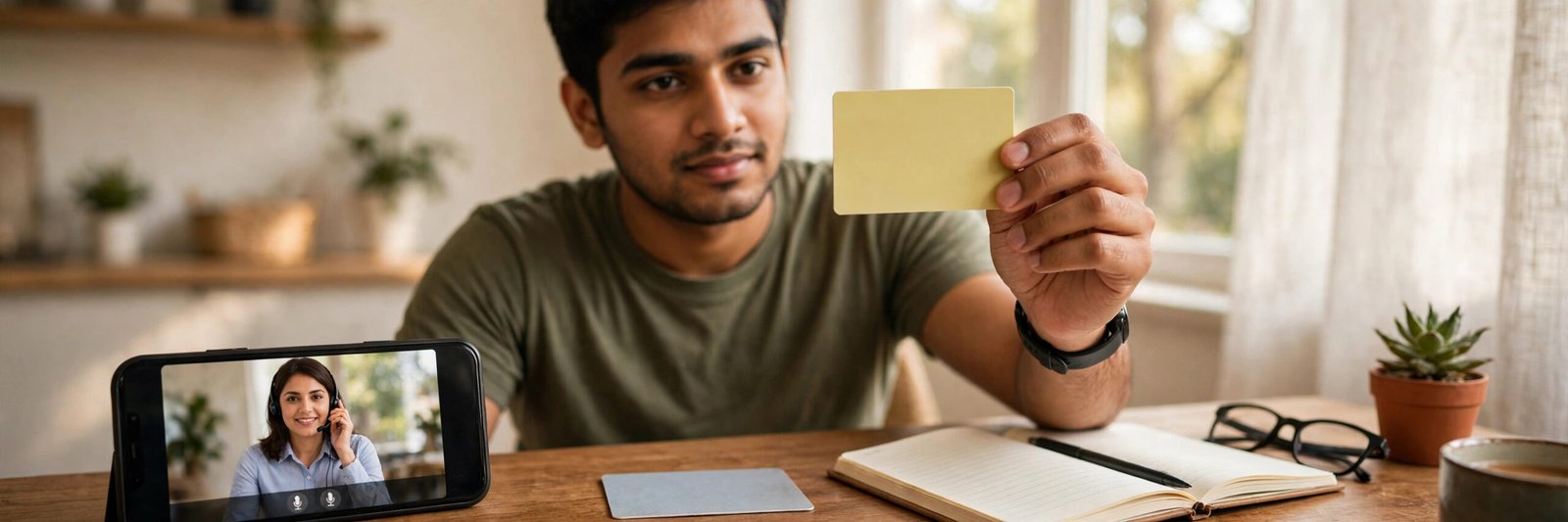
For the online method, clear photos or scans of the Aadhaar and PAN are enough to begin, but keep the original cards beside you — you will need to show them during the video verification call.
UCO Bank Account Opening Online Through the UCOPay+ App
UCO Bank offers online account opening through the UCOPay+ app (the facility is also available in UCO mBanking Plus). Follow these steps in order:
- Install the UCOPay+ app from the Google Play Store and open it.
- Enter your mobile number and tap Submit. An OTP arrives on the number — enter it and submit again.
- Fill in your first name, gender and date of birth.
- Enter your email ID, then select the identity document you hold — Aadhaar or PAN — and type that document’s number. Tap Submit.
- Create a 4-digit MPIN (mobile banking PIN) and re-enter it to confirm. Then create your TPIN (transaction PIN) and confirm it as well.
- Choose a security question, type its answer and submit. You will land on the login page — sign in with the MPIN you just created.
- On the dashboard, tap the Open Instant Account option.
- Enter your full name, mobile number and email ID, then tap Next.
- Type your Aadhaar card number and tap Next. An OTP is sent to the mobile number registered with Aadhaar — enter it and submit.
- Enter your PAN card number and tap Continue.
- Select your marital status (married or single) and your occupation, and indicate whether you are a salaried employee or self-employed.
- Choose your annual income range and fill in the remaining personal details the form asks for, then tap Continue.
- If you want a nominee, enter the nominee’s details. Also enter the code of your nearest bank branch, then tap Submit.
That’s it — your account is opened and the account details appear on your screen. One last step remains: the Video KYC, explained next. After it is completed, the account opening is fully done, and you can manage the account from the same app. Once your account is active, you can also check your UCO Bank loan status and statements through the bank’s digital channels.
What Happens During Video KYC?
Video KYC is a short video call with a bank official that replaces the physical document check. During the process, your Aadhaar details are verified online and your address is fetched from the Aadhaar record; your PAN is verified against the issuing database. On the call, the official confirms your identity, asks a few basic questions and views your original PAN card, so keep it in hand and sit in a well-lit, quiet place with a stable internet connection.
It is worth knowing that an account opened only on the basis of Aadhaar and PAN, without the full KYC being completed, is treated as a reduced-KYC account with limited transaction facilities, valid for one year. Within that year you should visit your branch, submit the KYC documents and have the account converted into a regular, full-featured account. Completing the Video KYC properly is the easiest way to avoid that limitation.
UCO Bank Account Opening Offline at a Branch
If you prefer the traditional route, opening a savings account offline at a UCO Bank branch lets you complete KYC and verification in person:
- Visit the nearest UCO Bank branch with valid proof of identity and address.
- Collect the account opening form and fill in your basic details.
- Submit the KYC documents listed above as per the bank’s KYC norms.
- Make the initial deposit — the amount depends on the type of account you choose.
- The bank staff will verify your documents and process the application.
- You will receive your account details and debit card within 7 working days.
Online vs Offline: Which Route Should You Pick?
| Point | Online (App) | Offline (Branch) |
|---|---|---|
| Where it happens | At home, on your phone | At a UCO Bank branch |
| Must-have | Aadhaar linked with mobile number | Original documents carried in person |
| Verification | OTP + Video KYC | Staff verify documents face to face |
| Initial deposit | As per account type chosen | Required, depends on account type |
| Debit card | Sent after account activation | Account details and card within 7 working days |
Zero Balance Accounts and Help
Short on funds to start? UCO Bank also allows customers to open a zero balance account, so a large opening deposit is not compulsory for every account type — the deposit requirement depends on the account you pick. If you get stuck anywhere, UCO Bank’s toll-free helpline for account queries is 1800 103 0123, and the bank’s head office is at UCO Bank, 10, B. T. M. Sarani, Kolkata – 700001, West Bengal. After opening, keep your registered mobile number active — the same number is what you will later use for OTPs, alerts and services such as downloading your UCO Bank statement online.
Safety note: The bank never asks for your MPIN, TPIN, ATM PIN or any OTP over a call, SMS or email. Enter these only inside the official UCOPay+ or UCO mBanking Plus app, never share them with anyone claiming to “help” you open the account, and download the app only from the Play Store listing of UCO Bank — not from links sent by strangers.

Frequently Asked Questions
What documents are required for UCO Bank account opening?
You need an Aadhaar Card, a PAN Card, a passport-sized colour photograph, a mobile number, an email ID and your signature. For online opening, the mobile number must be the one linked with your Aadhaar.
What is the minimum amount required to open a UCO Bank account?
There is no single fixed amount for everyone. Customers can open a zero balance account at UCO Bank; for other account types opened at a branch, the initial deposit depends on the type of account selected.
Is an Aadhaar-linked mobile number compulsory for online account opening?
Yes. The online process verifies you through OTPs sent to the mobile number registered with Aadhaar, and the bank’s eligibility condition for online opening is a valid PAN and Aadhaar with the Aadhaar–mobile link in place. Without it, use the branch route.
How long does it take to get the debit card after opening an account?
When you open the account at a branch, you receive your account details and debit card within 7 working days of the application being processed.
What is the UCO Bank account opening helpline number?
For help with a new or zero balance account, call the toll-free number 1800 103 0123. The bank’s head office address is UCO Bank, 10, B. T. M. Sarani, Kolkata – 700001, West Bengal.

She is a professional and experienced senior article writer and editor. She is working in Indian Government Schemes, Education, and Media Communication. She has completed her MJMC, and now working at StatusChecker.in as a Senior Editor and writer. She has more than ten years of experience in Media communication, and article writing. So we hope you will enjoy her article. If you have any complaints or suggestions for her. You can contact us through our Contact Us page.