
Your application is approved — congratulations. Now the question changes from “will I get the card?” to “where is my card?” Your SBI credit card delivery status tells you exactly that: whether the card has been dispatched, where the courier packet is right now, and when it should reach your door. This guide explains how dispatch works, how to track the courier, how long delivery normally takes, what to do about a missed or returned delivery, and finally how to generate your PIN and activate the card the day it arrives.
Still waiting for a decision instead? Then your card has not entered the delivery stage yet — check your application status first. Everything below starts from the moment of approval.
What Happens Between Approval and Dispatch
Approval is not the same as dispatch. Once SBI Card sanctions your application, the card is personalised with your name, produced, sealed in a welcome kit and handed to a courier partner for your city. This preparation usually takes a few working days, after which your application tracker flips to Dispatched and you receive a dispatch alert.
There is one useful thing you do not have to wait for: the E-card. SBI Card sends an SMS on your registered mobile number with a link to generate your digital E-card. Open it and you can view your card number and details and start shopping online even before the physical card reaches you. Keep that SMS safe — it is also handy for registering on the SBI Card app.

How to Check Your SBI Credit Card Delivery Status
Delivery tracking happens on the courier’s website, not on SBI Card’s tracker. When your card is dispatched, SBI Card sends the courier name and an AWB number (also called the tracking ID or reference number) by SMS and email. With those two details, tracking takes a minute:
- Open the dispatch SMS or email from SBI Card and note the courier name and AWB / tracking ID.
- Visit that courier company’s official tracking page.
- Enter the AWB number in the tracking box and search.
- The page shows the packet’s journey — dispatched, in transit, out for delivery, and finally delivered, with the expected delivery date.
Two practical tips from how card couriers actually work. First, a freshly generated AWB often shows “no information found” for the first 24 to 48 hours — the packet is labelled before it is picked up, so wait a day and track again before worrying. Second, on the delivery day the status changes to Out for Delivery; keep your phone reachable, because the courier agent usually calls before arriving.
How Many Days Does SBI Card Delivery Take?
SBI Card dispatches the physical card within about 5 to 7 working days of approval, and the dispatch message itself gives you an expected delivery estimate. Actual time at your door depends mainly on where you live:
| Delivery Location | Typical Time After Dispatch |
|---|---|
| Metro cities (Delhi, Mumbai, Bengaluru, Chennai, Kolkata, Hyderabad) | About 2 to 4 working days |
| Other cities and district towns | About 4 to 7 working days |
| Remote and rural addresses | Up to 7 to 10 working days |
These are typical ranges, not guarantees — weekends, public holidays and weather can add a day or two. Measured from the day you submitted a complete application, SBI Card’s overall processing timeline can run up to 21 days, so a card arriving in the second or third week after applying is completely normal.
Who Can Receive the Card?
Credit cards are delivered carefully because the packet is as good as money. The courier normally hands it only to you, the applicant, after checking a government photo ID — Aadhaar, PAN, driving licence or passport all work. So keep an ID handy on the delivery day. If you work away from home, consider giving your residence address as the delivery address when you apply, since an unattended office or hostel reception desk is where most card deliveries fail.
Missed the Delivery? Card Returned? Do This
If the courier arrives when you are not available, the packet is usually taken back and a second attempt is made, or you get a call or slip asking you to reschedule or collect it. Act fast — couriers hold packets for only a few days. If nobody is able to receive it, the card is returned to SBI Card for safety. A returned card is not lost, but you will have to ask for a re-dispatch:
- Call SBI Card customer care on 1860 180 1290, or 39020202 with your local STD code.
- Tell the executive the card was returned undelivered and request re-dispatch.
- Confirm your delivery address carefully — if the address was wrong or incomplete, get it corrected in the same call so the second attempt succeeds.
- Note the new dispatch timeline the executive gives you, and watch for the fresh AWB SMS.
Card Delivered? Generate Your PIN and Activate It
A new SBI credit card becomes usable once you generate its 4-digit PIN. There is no paper PIN mailer to wait for — you create the PIN yourself through any of these official methods.
Through the SBI Card website
- Log in to your account on sbicard.com.
- Go to My Account and click Manage PIN.
- Select your new credit card from the list and click Generate OTP.
- Enter the OTP sent to your registered mobile number.
- Type the 4-digit PIN you want, re-enter it, and submit. Your PIN is set instantly.
Through the SBI Card mobile app
- Open the SBI Card app and log in.
- Tap Services and choose Manage PIN.
- Select the card, verify with the OTP sent to your registered number, and set your 4-digit PIN.
Through IVR on a phone call
- Call 1860 180 1290 (or 39020202 with your STD code).
- Choose option 6, the PIN generation option.
- Enter your 16-digit card number, your date of birth (DDMMYYYY) and the card expiry (MMYY) when asked.
- Enter the OTP received on your registered mobile number, then choose and re-confirm your 4-digit PIN. The IVR confirms your PIN on the call itself.
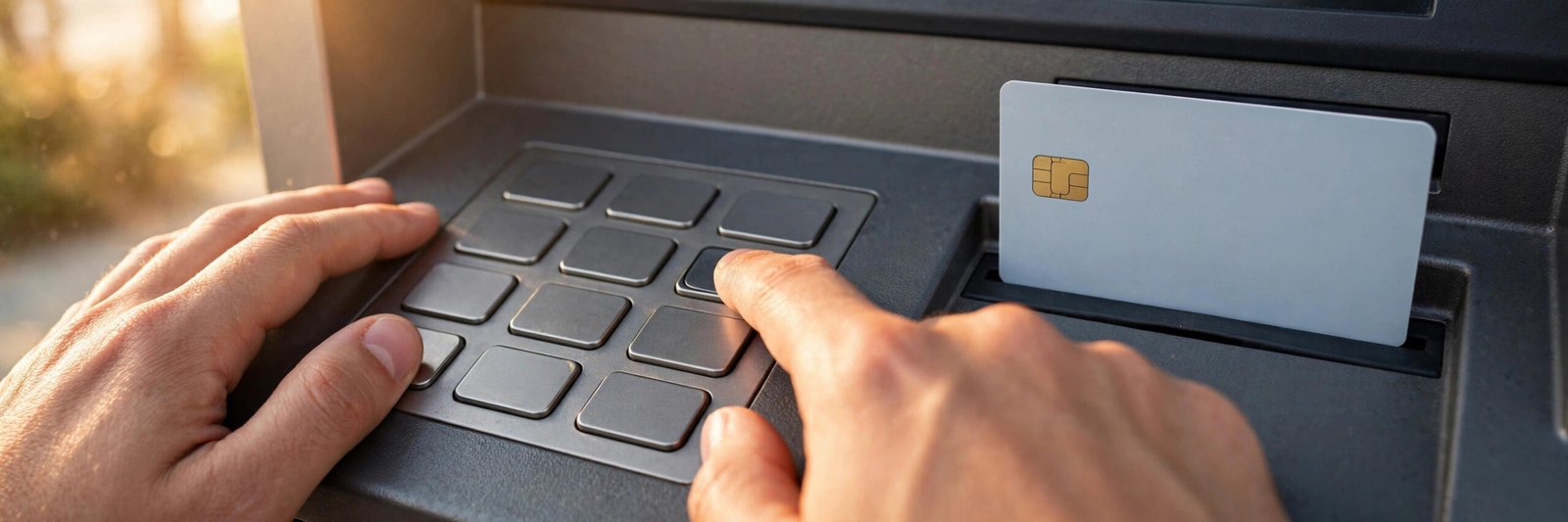
At an SBI ATM
- Insert your new credit card in any SBI ATM.
- Select the PIN generation option on the screen.
- Enter the OTP sent to your registered mobile number, then set and confirm your 4-digit PIN.
Once the PIN is set, your card is active for ATM and shop (POS) use. In the app or website, also open the card controls once and confirm that online, contactless and international usage are set the way you want — new cards sometimes have some channels switched off by default, and you can enable them yourself in seconds.
Safety Notes for Your First Days With the Card
A few habits from day one keep a new card safe. Sign the strip on the back of the card as soon as you receive it. Never share your OTP, PIN or CVV with anyone — SBI Card never asks for them on a call, SMS or email, and the OTP you enter during PIN generation goes only into the official website, app, IVR or ATM screen in front of you, never to a person. Avoid saving your full card details on shopping websites, and keep your purchase receipts until they match your first statement.
Waiting on cards from other banks too? Our guides to YES Bank credit card status and Canara Bank credit card status explain their tracking steps as well.
Frequently Asked Questions
How can I track my SBI credit card delivery?
Use the AWB / tracking ID that SBI Card sends by SMS and email after dispatch. Enter it on the courier company’s official tracking page to see live updates — in transit, out for delivery and delivered — along with the expected delivery date.
How many days does SBI Card take to deliver after dispatch?
Typically 2 to 4 working days in metro cities, 4 to 7 working days in other cities and towns, and up to 7 to 10 working days for remote addresses. The card itself is dispatched within about 5 to 7 working days of approval.
My tracking ID shows no result. Is something wrong?
Usually not. A new AWB is generated before the packet is physically picked up, so tracking can show no information for the first 24 to 48 hours. Wait a day and try again; if it still shows nothing after three days, call 1860 180 1290 and ask SBI Card to confirm the dispatch.
What if I miss the courier delivery?
The courier normally attempts delivery again or contacts you to reschedule. If the packet is still undelivered, it is returned to SBI Card. Call customer care, verify or correct your address, and request a re-dispatch — then track the new AWB sent to you.
How do I activate my new SBI credit card?
Activation happens by generating your PIN. Log in to sbicard.com or the SBI Card app and use Manage PIN with an OTP, call 1860 180 1290 and choose option 6 on the IVR, or use the PIN generation option at any SBI ATM. Once the 4-digit PIN is set, the card is ready to use.

She is a professional and experienced senior article writer and editor. She is working in Indian Government Schemes, Education, and Media Communication. She has completed her MJMC, and now working at StatusChecker.in as a Senior Editor and writer. She has more than ten years of experience in Media communication, and article writing. So we hope you will enjoy her article. If you have any complaints or suggestions for her. You can contact us through our Contact Us page.