
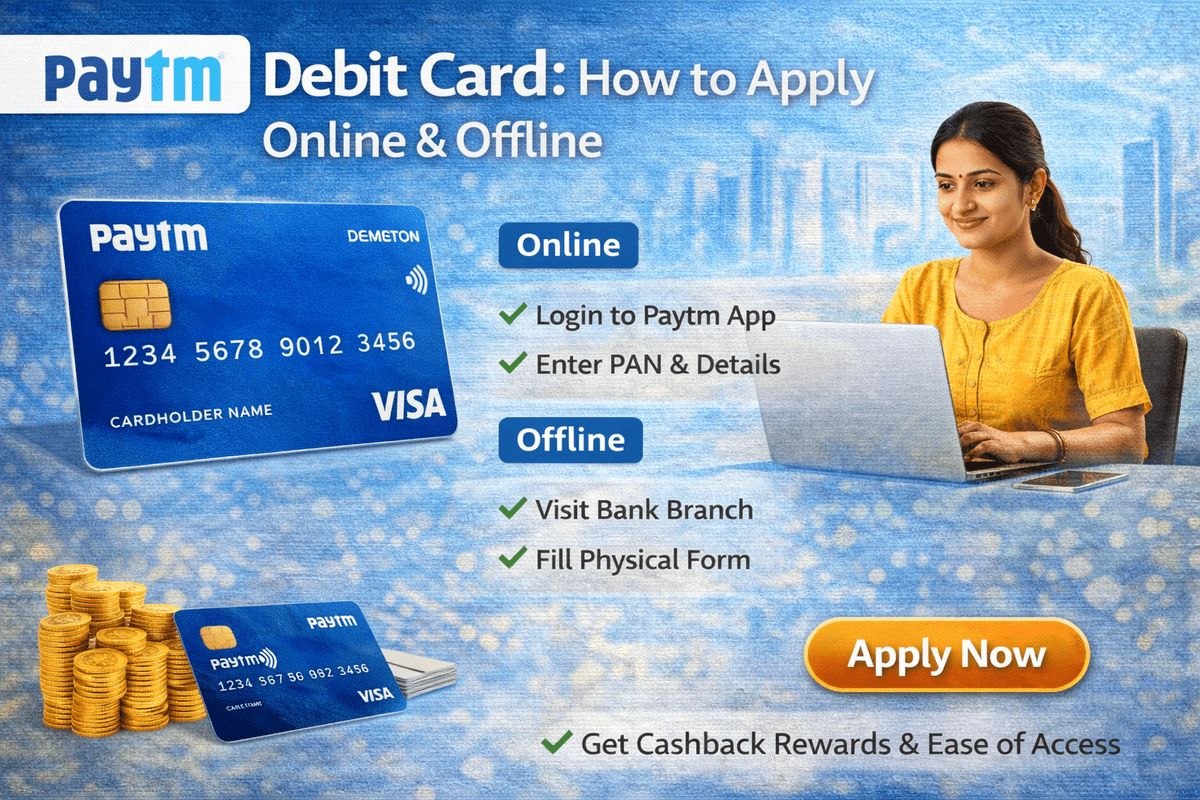
If you have a Paytm Payments Bank savings account, the Paytm debit card is the easiest way to spend your bank balance at shops, online stores and ATMs. Every account comes with a free digital debit card inside the Paytm app, and you can order a physical card for ATM withdrawals and in-store payments. This guide covers how to apply online and offline, how to activate the card and set your PIN, the charges and daily limits, and how to manage the card safely from the app.
What Is the Paytm Debit Card?
The Paytm debit card is issued by Paytm Payments Bank and works like the debit card of any regular bank. The money is deducted directly from your Paytm Payments Bank account whenever you pay or withdraw cash. When you open your account, the bank gives you a digital debit card free of charge — it lives inside the Paytm app and can be used for online payments right away.
If you also want to withdraw cash from ATMs or swipe at shops, you can order the physical debit card (issued on the RuPay network, with Visa variants also offered). The physical card is delivered to your address, and you manage everything — spending limits, PIN changes, blocking and unblocking — from the Paytm app itself. If you are comparing cards from different banks, our guide to the IndusInd Bank ATM card explains how a traditional bank card works.
Digital vs Physical Paytm Debit Card
| Feature | Digital Debit Card | Physical Debit Card |
|---|---|---|
| Issuance charge | Free | ₹250 |
| Annual subscription fee | Not applicable | ₹150 per year from activation (as per the bank’s official charges page) |
| Where it works | Online payments and subscriptions | ATMs, shops (POS), and online payments |
| Cash withdrawal | Not possible | Yes, at any ATM in India |
| Daily online / POS limit | Up to ₹1,00,000 | Up to ₹1,00,000 |
| Daily ATM withdrawal limit | — | ₹25,000 (including ₹5,000 at micro-ATMs) |
You can also lower these limits yourself in the app, which is a sensible safety habit if you mostly make small payments.
Before You Apply: Account and KYC
You cannot apply for the card on its own — it is linked to a Paytm Payments Bank savings account. If you do not have an account yet, open one in the Paytm app first. Opening the account and using the physical card require full KYC. If your KYC is still pending, complete it at a nearby authorised Paytm KYC point with your Aadhaar and PAN; the verification is done in person and usually takes a few minutes.
Once your account is active and KYC is complete, your digital debit card appears automatically in the app, and you can order the physical card whenever you like.
How to Apply for a Paytm Debit Card Online
The physical card can only be ordered from the app — there is no separate website form. Follow these steps:
- Open the Paytm app and log in.
- Tap on the ‘Bank’ option at the bottom right corner of the screen.
- Scroll down and select ‘Digital Debit Card’.
- Now select ‘Request ATM Card’.
- Choose your delivery address and tap ‘Proceed to Pay’ to pay the issuance charge.
- Once the payment is successful, your card order is placed.
After ordering, you can track the delivery status inside the app. The card is delivered to your home within 7 to 15 days. If you also use other banks’ apps, you may find our walkthrough of PNB mobile banking registration useful for setting up app-based banking there.
Can You Apply Offline?
There is no paper form for the card itself, because the order is placed from the app. The “offline” part of the process is the account opening and KYC step: if you are not comfortable doing everything on your phone, visit an authorised Paytm KYC outlet, complete your verification with the agent’s help, and get your account activated. After that, open the app, go to the Bank section and request the ATM card using the same steps above.
How to Activate the Card and Set Your PIN
When the physical card arrives, do these two things before using it:
- Set your PIN: Open the Paytm app, go to Bank → Digital Debit Card, open your physical card details and choose the option to set or generate the PIN. Create a 4-digit PIN that only you know.
- Check your limits: In the same section, review the daily online, POS and ATM limits and lower them if they are higher than you need.
Your first ATM transaction or shop payment after setting the PIN confirms that the card is active. The digital card needs no separate activation — it works as soon as your account and KYC are in place.
How to Withdraw Cash and Use the Card
Withdrawing cash works exactly like any other debit card: insert the card at any bank’s ATM, enter your PIN, choose Savings Account, and withdraw. Transactions at Paytm Payments Bank’s own ATMs and micro-ATMs carry no charge. At other banks’ ATMs, you get a set of free transactions every month:
- Metro ATMs: 3 free transactions per month
- Non-metro ATMs: 5 free transactions per month
- If you use both metro and non-metro ATMs in a month, you get 5 free transactions in total, with a maximum of 3 at metro ATMs
- After the free limit, a cash withdrawal currently costs ₹21 plus GST per transaction, and non-financial transactions such as a balance check or mini statement cost ₹8 plus GST
For international use, open the card settings in the app and enable international transactions first — the card does not work abroad or on foreign websites until you switch this on. Making sure the right mobile number is linked to your bank accounts matters for card alerts and OTPs too; see our guide on how to link a mobile number to a bank account.
Managing Your Card in the App
The app gives you full control of the card without visiting anyone:
- Block or unblock instantly: Go to Bank → Digital Debit Card → Block Card, enter your 4-digit passcode, and the card is blocked. You can unblock it the same way.
- Change your PIN whenever you suspect it is compromised.
- Set spending limits separately for online, POS and ATM use, and raise them temporarily when you need to withdraw more than your usual limit.
- Report a lost card and order a replacement (replacement charges ₹250).
Safety note: Paytm Payments Bank or any other bank will never call, message or email you asking for your card PIN, CVV, OTP or app passcode. Never share these details with anyone — not even someone claiming to be a bank officer or a customer-care executive. If you get such a call, disconnect, block the card in the app if you shared anything, and report it through the official Paytm app support only.
Frequently Asked Questions
Is the Paytm debit card free?
The digital debit card is completely free and comes with every Paytm Payments Bank account. The physical card has an issuance charge of ₹250, plus an annual subscription fee of ₹150 per year from the date of activation, as listed on the bank’s official charges page.
How many free ATM withdrawals do I get with the Paytm debit card?
You get 3 free transactions a month at metro ATMs and 5 free transactions a month at non-metro ATMs of other banks. Withdrawals at Paytm Payments Bank’s own ATMs and micro-ATMs are free and unlimited. Beyond the free limit, each cash withdrawal costs ₹21 plus GST.
How long does delivery of the physical card take?
After you place the order in the app and pay the issuance charge, the card is delivered to your chosen address within 7 to 15 days. You can track the delivery status in the Bank section of the Paytm app.
Can I use the Paytm debit card for international payments?
Yes, but international usage is switched off by default. Open the card settings in the Paytm app and enable international transactions before using the card on foreign websites or at ATMs abroad. Cross-currency markup charges apply on foreign currency transactions.
What should I do if my Paytm debit card is lost or stolen?
Block it immediately in the app: go to Bank → Digital Debit Card → Block Card and confirm with your 4-digit passcode. A blocked card cannot be used for any transaction. You can then order a replacement card from the same section; the replacement charge is ₹250.

She is a professional and experienced senior article writer and editor. She is working in Indian Government Schemes, Education, and Media Communication. She has completed her MJMC, and now working at StatusChecker.in as a Senior Editor and writer. She has more than ten years of experience in Media communication, and article writing. So we hope you will enjoy her article. If you have any complaints or suggestions for her. You can contact us through our Contact Us page.