

If you hold an account with Punjab National Bank, completing your PNB mobile banking registration lets you check your balance, see statements and transfer money from your phone instead of visiting the branch for every small task. To use any of PNB’s online services, mobile banking or internet banking must first be activated on your account — and the good news is that registration can be done online, from home, in a few minutes. This guide explains what you need, the step-by-step registration through the PNB One app, the website registration route, and the main features you get after activation.
What You Need Before Registration
Keep the following ready before you start. Registration cannot be completed without a mobile number that is already registered with your bank account, because every OTP is sent to that number.
- A PNB savings or current account, along with your account number.
- The mobile number registered with the account, active in the phone you are using (the app verifies your SIM), with enough SMS balance to receive OTPs.
- Your PNB debit (ATM) card number and ATM PIN — the simplest registration route uses these.
- If you do not have a debit card, you can still register using your Aadhaar number (OTP-based, view facility) or your existing internet banking credentials, or through a branch-mode request.
- A smartphone with the official PNB One app installed from the Google Play Store or Apple App Store.
If your current mobile number is not linked to the account, update it first — see our guide on how to link a mobile number to your bank account.
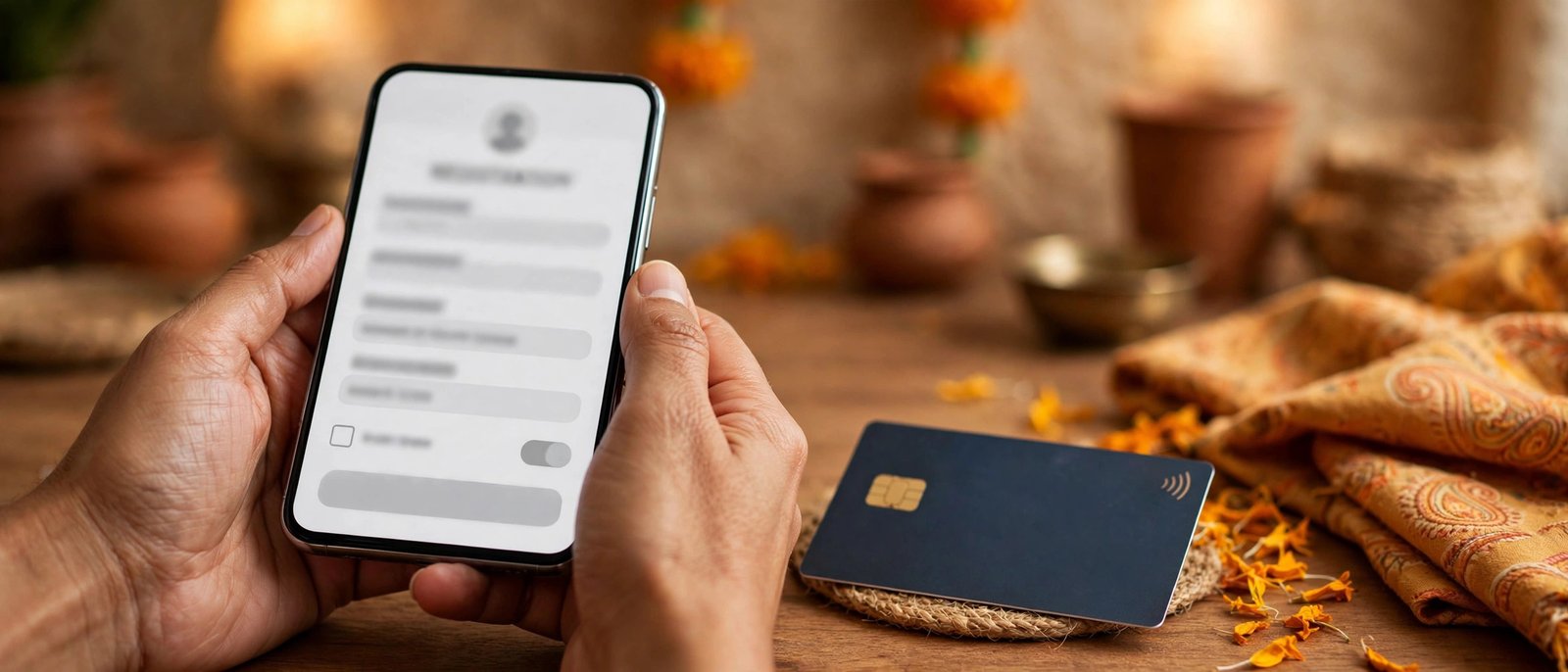
PNB Mobile Banking Registration Through the PNB One App
- Download and install the PNB One app from the Google Play Store or App Store. Open it and allow the permissions it asks for.
- Select the SIM of your registered mobile number for SMS verification, then tap “Proceed to Login”.
- Choose the “New User” option (shown as “Don’t Have User ID” on some versions).
- Enter your PNB account number and continue.
- Choose how you want to register: using your Debit Card, using Aadhaar OTP, using your internet banking (IBS) login or transaction password, or through Branch mode. If you have your ATM card handy, the debit card option is the quickest and gives full access.
- Select the service you want — “Mobile Banking” only, or “Both” (internet banking and mobile banking) — and read and accept the terms and conditions.
- Select the type of facility: “View Only” or “View & Transaction”. Choose View & Transaction if you want to transfer funds, not just check balances.
- Enter the OTP sent to your registered mobile number.
- For the debit card route, enter your debit card number and ATM PIN and submit. For the Aadhaar route, enter your Aadhaar details and the OTP received on the Aadhaar-linked number.
- Create your sign-in (login) password and confirm it. Then create your transaction password and TPIN, and confirm both.
- On successful registration, the app shows your User ID. Note it down and tap “Sign In”.
- Enter your User ID, verify with the OTP sent to your registered number, and create your login MPIN. Confirm the MPIN and submit.
- Your MPIN is set — you can now sign in to PNB One with the MPIN, or with fingerprint/Face ID if you enable it.
PNB Mobile Banking Registration Through the Website
You can also register from a computer using PNB’s official internet banking website. This is the same registration the original PNB online user registration flow used:
- Visit PNB’s official internet banking website and click on “Online User Registration” (the “New User” option) on the login page.
- Read and accept the Terms & Conditions, then click “Continue”.
- Enter your PNB account number.
- Select “Register For Mobile Banking” or “Register For Both” (internet and mobile banking).
- Under “Type of Facility”, select “View Only” or “View & Transaction”.
- Enter the OTP sent to the mobile number registered with your account.
- Enter your debit card number and ATM PIN.
- Set your login password and transaction password, and click “Submit”.
- Your User ID is displayed on screen. Users created online are activated immediately, so you can sign in to the PNB One app with this User ID and set your MPIN on first login.
Registration Methods Compared
| Method | What You Need | Facility You Get |
|---|---|---|
| Debit card | Account number, debit card number and ATM PIN | View & Transaction (full access) |
| Aadhaar OTP | Account number and Aadhaar-linked mobile number | View only |
| Internet banking credentials | Existing IBS login or transaction password | View only with login password; View & Transaction with transaction password |
| Branch mode | Request created in the app, submitted at your branch | Activated by the branch as requested |
Whichever method you choose, registration is a one-time process. The User ID created in the app also works on the internet banking website, and the User ID created on the website works in the app, as long as you selected the “Both” option during registration. If you registered with View Only rights through Aadhaar, you can upgrade to full transaction rights later from within the app using your debit card or internet banking transaction password — there is no need to register a second time or visit the branch just for the upgrade.
Features You Get After Registration
PNB mobile banking works on both Android and iOS handsets, and PNB One is also available to NRI customers residing in India. Once registered, you can bank anytime, anywhere from your phone. The main services include:
- Check your account balance at any time.
- View your PNB mini statement and detailed account statement.
- Transfer funds within PNB and to accounts in other banks.
- Generate an MMID and transfer funds using MMID, or transfer using IFSC details.
- Pay utility bills and recharge mobile and DTH connections.
- Change your MPIN instantly from within the app, and manage services such as card limits and requests.
- Check the status of your KYC and other account services — for example, you can verify whether your KYC is complete by following our PNB KYC status guide.
Common Problems During Registration
- OTP not received: make sure the SIM in the phone is the number registered with the account, that it has SMS balance, and that you have network coverage. Wait for the timer to finish before requesting a new OTP.
- No debit card: use the Aadhaar OTP option for view facility, or create a branch-mode request in the app and submit it at your branch.
- Wrong facility selected: if you chose “View Only” but need transfers, upgrade to View & Transaction from the app using your debit card or internet banking transaction password.
- Forgot MPIN or password: use the “Forgot” options on the app’s login screen and reset them with an OTP and your card/account details instead of creating a second registration.
Safety note: Register only through the official PNB One app or PNB’s official website. The bank never asks for your OTP, ATM PIN, MPIN, TPIN or CVV by phone, SMS or email — never share these with anyone, and never install a banking app sent to you through a message link.

Frequently Asked Questions
Is a debit card compulsory for PNB mobile banking registration?
No. A debit card gives the quickest full-access registration, but you can also register using Aadhaar OTP (view facility only), your existing internet banking credentials, or a branch-mode request submitted at your branch.
Can I complete PNB mobile banking registration from home?
Yes. Registration through the PNB One app or the internet banking website is fully online. You only need your account number, registered mobile number and one of the verification options such as your debit card or Aadhaar.
What is the difference between View Only and View & Transaction?
View Only lets you check balances and statements but not move money. View & Transaction also allows fund transfers, bill payments and recharges, so choose it during registration if you want the full service.
What is the difference between MPIN, TPIN and the login password?
The MPIN is the short code you use to sign in to the PNB One app. The login password is used for internet banking sign-in, while the transaction password and TPIN are asked when you authorise transactions such as fund transfers.
Does registering in the PNB One app also activate internet banking?
It can. During registration, select the “Both” option (internet banking and mobile banking) instead of mobile banking only, and the same User ID will work for both channels.

She is a professional and experienced senior article writer and editor. She is working in Indian Government Schemes, Education, and Media Communication. She has completed her MJMC, and now working at StatusChecker.in as a Senior Editor and writer. She has more than ten years of experience in Media communication, and article writing. So we hope you will enjoy her article. If you have any complaints or suggestions for her. You can contact us through our Contact Us page.