
If you want to get an ippb bank account open without standing in a long queue, India Post Payments Bank gives you three easy routes — a doorstep request placed through its website, an instant account through its mobile app, and a simple walk-in at your nearest post office. IPPB is the payments bank run by the Department of Posts, and its whole purpose is to take basic banking to every household in India, including villages and small towns where the nearest bank branch may be many kilometres away. In this guide, you will find the account types on offer, the documents you need, and the exact steps for each opening method.
What Is India Post Payments Bank?
India Post Payments Bank (IPPB) works through the huge network of post offices and the postmen and Gramin Dak Sevaks who already visit your locality. When you open an account, your account number is issued instantly, and there is no minimum balance to maintain — you can keep the account running at zero balance. You also get a debit card, mobile banking and net banking access, and SMS alerts for your transactions, and the money you deposit earns interest at IPPB’s prevailing rates.
One rule is worth knowing before you start. IPPB is a payments bank, not a full-service bank, so the balance in your account cannot go above ₹2 lakh at the end of the day. If you link your Post Office Savings Account, any amount above this limit can be swept into that account automatically, so your money keeps working for you instead of being refused.
Types of IPPB Savings Accounts You Can Open
IPPB offers a small set of savings accounts, and the right one depends on how you plan to open and use it:
| Account Type | How It Is Opened | Good to Know |
|---|---|---|
| Regular Savings Account | At a post office, an IPPB access point, or at your doorstep | Zero balance, unlimited cash deposits and withdrawals, opened with biometric KYC |
| Basic Savings Account (BSBDA) | At a post office or at your doorstep | Simple starter account for basic banking; only four free customer-induced debit transactions in a month |
| Digital Savings Account | Self-service through the IPPB mobile app | Opened instantly with Aadhaar and PAN; full KYC must be completed within 12 months |
For most people, the Regular Savings Account is the best fit because it carries the full set of services. The Digital Savings Account suits you if you want the account number right now and are happy to complete the full verification later.
Documents Required for IPPB Bank Account Open
Keep these essentials ready before you begin, whichever method you choose:
- Aadhaar Card — used for identity, address and e-KYC verification
- PAN Card — if you do not have a PAN card, you can give a declaration on Form 60, the separate form the bank asks for in its place
- Mobile Number — ideally the number linked with your Aadhaar, because OTPs and verification messages come on it
- Email ID — for statements and account communication
If your mobile number has changed recently, sort that out first, because almost every step below depends on an OTP reaching your phone. Our guide on how to link a mobile number in a bank account walks you through that process for any bank.
Method 1: IPPB Bank Account Open Online (Doorstep Request)
The website method does not open the account fully on the screen. Instead, you place a request online, and the post office completes the opening at your home. Follow these steps:
- Visit the official website of India Post Payments Bank and click on the Service Request option.
- Click on Non-IPPB Customer.
- Choose Service Request – Doorstep Banking.
- Tick the Open New Account option and scroll down the page.
- Select your title, then enter your full name and mobile number.
- Enter your email ID, address, PIN code and the other details asked for.
- Select the post office nearest to your location.
- Accept the Terms and Conditions, enter the CAPTCHA code and click Submit.
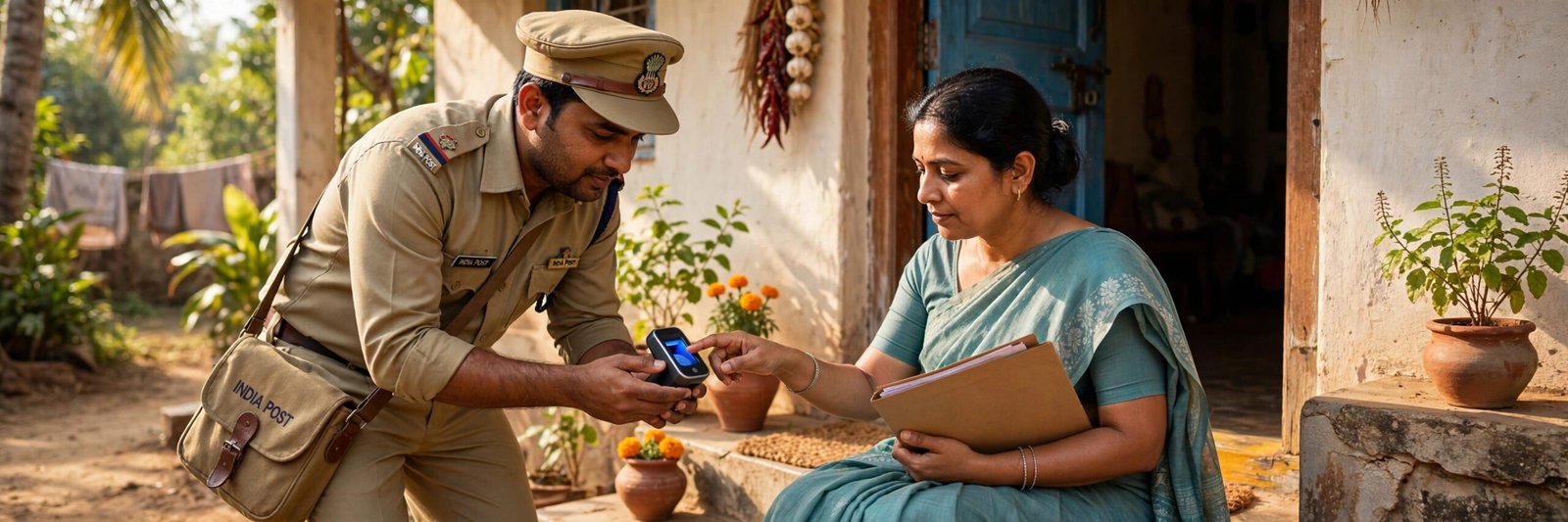
Once you submit, your application is forwarded to your nearest post office, and you will receive a call about your account opening request. Simply confirm that you want to open an IPPB account. After that, an employee of the post office — usually the postman or Gramin Dak Sevak for your area — visits your registered address, verifies your documents and fingerprint, and opens the account for you on the spot.
Method 2: Open an IPPB Account Instantly Through the App
If you are 18 or older and have both Aadhaar and PAN, the app route is the fastest of all:
- Download the IPPB Mobile Banking app from the Google Play Store or the App Store.
- Open the app and tap on Open Account Now.
- Enter your PAN card number and Aadhaar card number.
- Enter the One-Time Password (OTP) that arrives on your Aadhaar-linked mobile number.
- Follow the instructions and fill in all the required details.
- Tap Submit.
Your Digital Savings Account is now open, and you can view and manage it in the app itself. Remember the one condition attached to this account: within 12 months of opening, visit a post office or IPPB access point once to complete full biometric KYC, which upgrades it to a regular account. If you also hold a post office account and want to track its entries later, our guide to the India Post Payments Bank statement explains how to get it.
Method 3: Open the Account at a Post Office
Not comfortable with apps and online forms? Walk into your nearest post office or IPPB access point with your Aadhaar card and PAN card (or Form 60). The staff will fill the opening form with you, verify your fingerprint on their device, and open the account then and there. This is the same assisted route the doorstep service follows — the only difference is that you go to them instead of them coming to you.
What You Get After the Account Opens
Your account comes with a debit card for ATM and shopping use, a QR card, SMS alerts, phone banking, and access to mobile and net banking for transfers, bill payments and balance checks. Deposits earn interest, and statements are available without visiting a branch. Because IPPB is a payments bank, it focuses on deposits, withdrawals and remittances rather than loans — so if you need a full-service account with a cheque book as well, compare it with a regular bank account using our guide on opening a bank account in Indian Bank and similar banks.
A quick safety note: the genuine account opening process verifies you through your fingerprint and an OTP sent to your own phone — IPPB or post office staff will never call and ask you to read out an OTP, PIN or password. Never share your OTP or debit card PIN with anyone, and only download the app from the official Play Store or App Store listing.
Frequently Asked Questions
How can I open an IPPB bank account?
You can open it in three ways: place a doorstep banking request on the IPPB website and let the post office complete it at your home, open a Digital Savings Account instantly in the IPPB mobile app, or walk into any post office or IPPB access point with your documents.
Which documents are required for IPPB bank account open?
You need an Aadhaar card, a PAN card (or a Form 60 declaration if you have no PAN), a mobile number — preferably the one linked with Aadhaar — and an email ID.
Is there any minimum balance in an IPPB account?
No. IPPB savings accounts are zero-balance accounts, so there is no minimum balance you must maintain and no penalty for an empty account.
Can I open an IPPB account without a PAN card?
Yes. If you do not have a PAN card, you can submit Form 60, the declaration form used in place of PAN for banking transactions, along with your Aadhaar and other details.
What is the maximum balance I can keep in an IPPB account?
As a payments bank, IPPB can hold a maximum of ₹2 lakh per customer at the end of the day. Amount above this can be swept into a linked Post Office Savings Account, if you have linked one.

She is a professional and experienced senior article writer and editor. She is working in Indian Government Schemes, Education, and Media Communication. She has completed her MJMC, and now working at StatusChecker.in as a Senior Editor and writer. She has more than ten years of experience in Media communication, and article writing. So we hope you will enjoy her article. If you have any complaints or suggestions for her. You can contact us through our Contact Us page.