
Indian Bank is one of India’s well-known public sector banks, and an Indian Bank account opening no longer means spending half a day at a branch. You can complete the whole process online from home, including KYC, or walk into a branch instead. Both routes need the same basic documents — the difference is only in how you submit and verify them. This guide covers the account types, documents to keep ready, and the exact indian bank account opening online and offline steps, so your application goes through in one attempt.
Types of accounts you can open
Indian Bank offers several account types — choosing the right one at the start saves a branch visit later.
- Regular savings account: The most common choice for individuals. It can be opened singly or jointly, with or without a cheque book facility, and gives you access to ATM, UPI, internet banking and mobile banking.
- Salary account: Meant for salaried employees, usually opened through an arrangement between the bank and the employer. The online application lets you indicate whether you belong to the salaried class or the general public.
- Current account: Designed for businesses, firms, traders and professionals with frequent, high-value transactions. Documentation is heavier than a savings account because business proofs are also verified.
- Accounts for minors: A savings account can be opened for a minor and operated with a parent or guardian; the bank also runs savings schemes for young account holders.
- BSBDA and Small Account: The Basic Savings Bank Deposit Account (BSBDA), opened under PMJDY, is Indian Bank’s zero balance account — a basic account with no minimum balance requirement. A Small Account variant, for those without full KYC documents, carries transaction limits until full KYC is done. For another simple account option, see our guide on how to open an IPPB bank account.
There are also savings variants for senior citizens and pensioners; the KYC steps below stay broadly the same for all of them.
Eligibility and documents required for Indian Bank account opening
Resident individuals can open an account singly or jointly, and a minor’s account can be opened through a guardian. Before you start — online or at a branch — keep the following indian bank account opening documents ready:
| Document | Why it is needed |
|---|---|
| Aadhaar Card | Identity and address proof; also used for OTP-based e-KYC in the online process |
| PAN Card | Mandatory for banking; validated during the application |
| Mobile number | Must be linked to your Aadhaar, because OTPs are sent to it |
| Email ID | For application updates, the video KYC link and account details |
| Passport-size photographs | Required mainly for the offline, branch-based application |
The bank also accepts other officially valid documents as identity or address proof, such as a passport, driving licence or voter ID card. Two practical notes: keep your original PAN card in hand for video KYC, not just a photocopy; and if you have no PAN, you may have to fill an additional declaration form — ask the branch first, because the online route validates PAN.
How to open an Indian Bank account online
The indian bank account opening online process runs through the bank’s website and its Video-Customer Identification Process (V-CIP). You will need a phone or computer with a camera and microphone, a stable internet connection, your original PAN card, and a blank white sheet of paper with a pen for the video call.
- Visit the official website of Indian Bank (indianbank.in) and choose the “Savings Bank Account Opening” option. You can also start from the bank’s mobile banking app.
- Enter your name, mobile number and email ID, fill in the captcha code, accept the Terms & Conditions and submit.
- Enter the OTP sent to your mobile number to verify it.
- Enter your Aadhaar number and submit. A second OTP goes to the mobile number linked with Aadhaar — enter it to verify; your basic details are then fetched from Aadhaar and shown on screen.
- Enter your PAN number carefully, exactly as printed on the card — it is validated as part of the application.
- Fill in the remaining details: select your state, district, city and preferred branch, and enter details such as your mother’s name, occupation and annual income.
- Confirm your Aadhaar address and permanent address, and add nominee details if the form asks for them.
- Review everything and submit the form. You will receive a reference number — note it down or save a screenshot.
- Complete your Video KYC using the link sent to your mobile number and email. On the call, a bank officer verifies your identity, asks a few questions and captures live images of your original PAN card and your signature on the blank sheet.
- Once the video KYC is approved, your account is opened and your account details — including your CIF and account number — are sent to you by SMS and email.
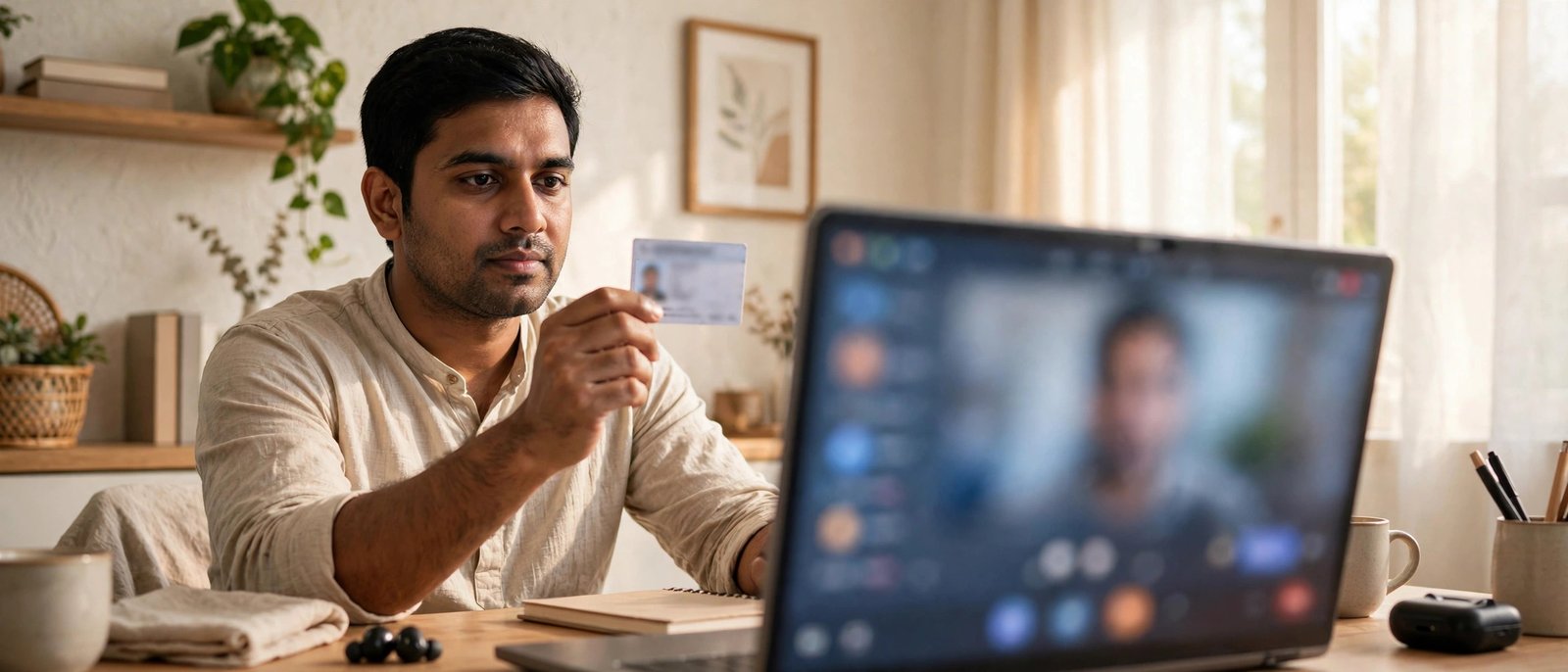
If you cannot take the video call immediately, the link lets you start it later. Take the call in a quiet, well-lit place — the officer must see your face and documents clearly.
How to open an account offline at a branch
Prefer doing it in person, or could not finish online? The offline indian bank savings account opening process is simple:
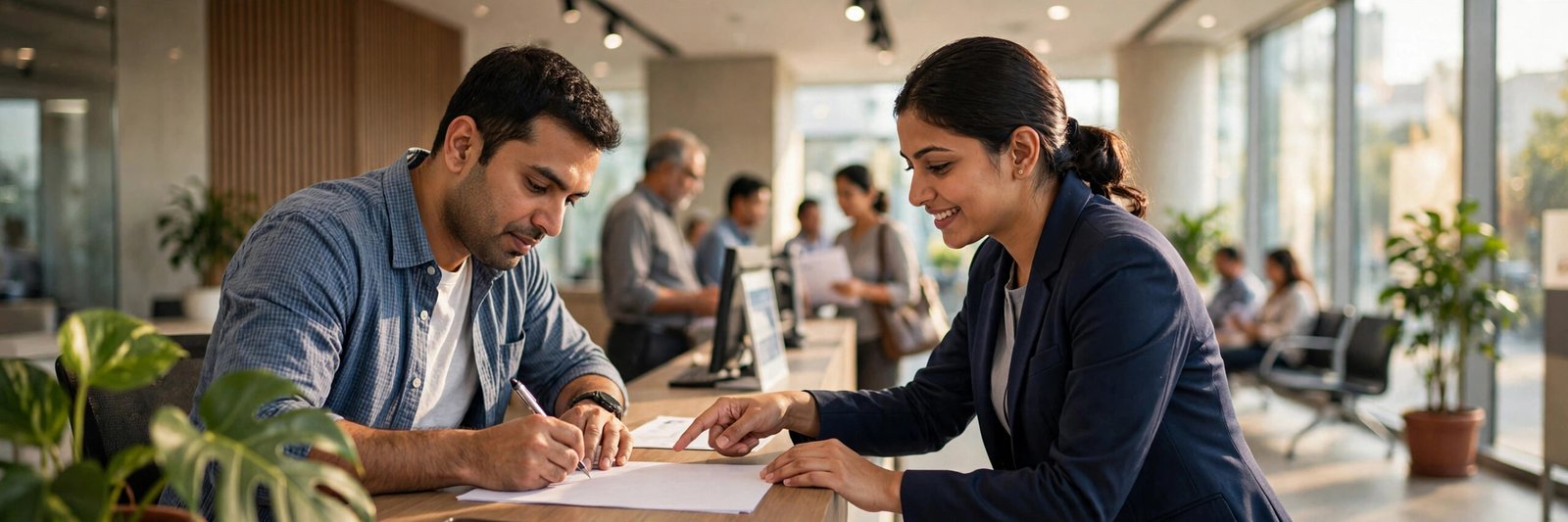
- Visit your nearest Indian Bank branch during working hours, carrying your original documents and photocopies.
- Ask the help desk for an account opening form for the account type you want.
- Fill in the form carefully — name, address, date of birth, nominee and other details should match your documents exactly.
- Attach photocopies of your Aadhaar, PAN and other documents requested, along with your photographs, and sign where indicated.
- Submit the completed form to the bank official. Staff will verify your photocopies against the originals.
- After verification, the bank opens your account and shares your account number; the official will tell you if any initial deposit applies to your account type.
What happens after you apply
After your indian bank account opening is approved, online applicants get the account number and CIF by SMS and email; branch applicants get the details at the branch. A welcome kit — which may include your debit card and cheque book, if opted for — is generally sent by post to your communication address, so keep that address complete and correct. Collect your passbook from your home branch on your next visit.
Next, register for internet banking and the bank’s mobile app to check balances and statements from home. Also finish two linkages most banking services depend on — link your Aadhaar card to your bank account and make sure the right number is registered for alerts, as explained in our guide on how to link a mobile number in a bank account.
Common reasons an application gets delayed
Most delays are small mismatches, not rejections. The usual culprits:
- Name or date-of-birth mismatch between Aadhaar and PAN — even a spelling difference slows down verification.
- Mobile number not linked to Aadhaar, so the e-KYC OTP never arrives — update it at an Aadhaar centre first.
- Video KYC problems: blurry document images, poor lighting, weak internet, or not having the original PAN card during the call.
- Address mismatch between your Aadhaar address and the communication address you typed, without supporting proof.
- Incomplete form details — a skipped nominee section or a wrong branch selection means the bank has to call you back.
Reading the form once before submitting, and keeping your documents consistent, avoids almost all of these.
A quick safety note
Start your indian bank account opening only from the bank’s official website or official app — never from a link sent by an unknown person, and never through an agent charging a fee for “instant” opening. Indian Bank will never ask you to share an OTP, PIN or password with any person; OTPs are only to be typed by you into the official application screen. If someone asks for them, stop and contact the bank directly.
Frequently asked questions
How can I open an account with Indian Bank?
You can open an account online through the bank’s website, finishing with video KYC, or offline by visiting a branch, filling the account opening form and submitting it with your documents.
What documents are required for Indian Bank account opening?
You mainly need your Aadhaar card, PAN card, an Aadhaar-linked mobile number and an email ID. For branch applications, carry passport-size photographs and the originals of your documents for verification.
Does Indian Bank offer a zero balance account?
Yes. The BSBDA account (opened under PMJDY) works as the Indian Bank zero balance account — it has no minimum balance requirement. The Small Account variant is also zero balance for customers with limited KYC, subject to transaction limits until full KYC is done.
Can I open an Indian Bank account without a PAN card?
At a branch, you may have to fill an additional declaration form if you do not have a PAN. The online video KYC route, however, validates PAN and requires the original card during the call, so a PAN is effectively needed there.
How long does the online account opening take?
The form itself takes a few minutes if your documents are ready. After a successful video KYC, the bank sends your CIF and account number by SMS and email; a debit card, if issued, arrives separately by post.
Conclusion
Whether you choose the online route with video KYC or the branch route with a paper form, indian bank account opening comes down to three things: consistent documents, an Aadhaar-linked mobile number, and details filled in carefully. Keep your original PAN ready, note your reference number, and your savings account should open without a repeat visit.

She is a professional and experienced senior article writer and editor. She is working in Indian Government Schemes, Education, and Media Communication. She has completed her MJMC, and now working at StatusChecker.in as a Senior Editor and writer. She has more than ten years of experience in Media communication, and article writing. So we hope you will enjoy her article. If you have any complaints or suggestions for her. You can contact us through our Contact Us page.