
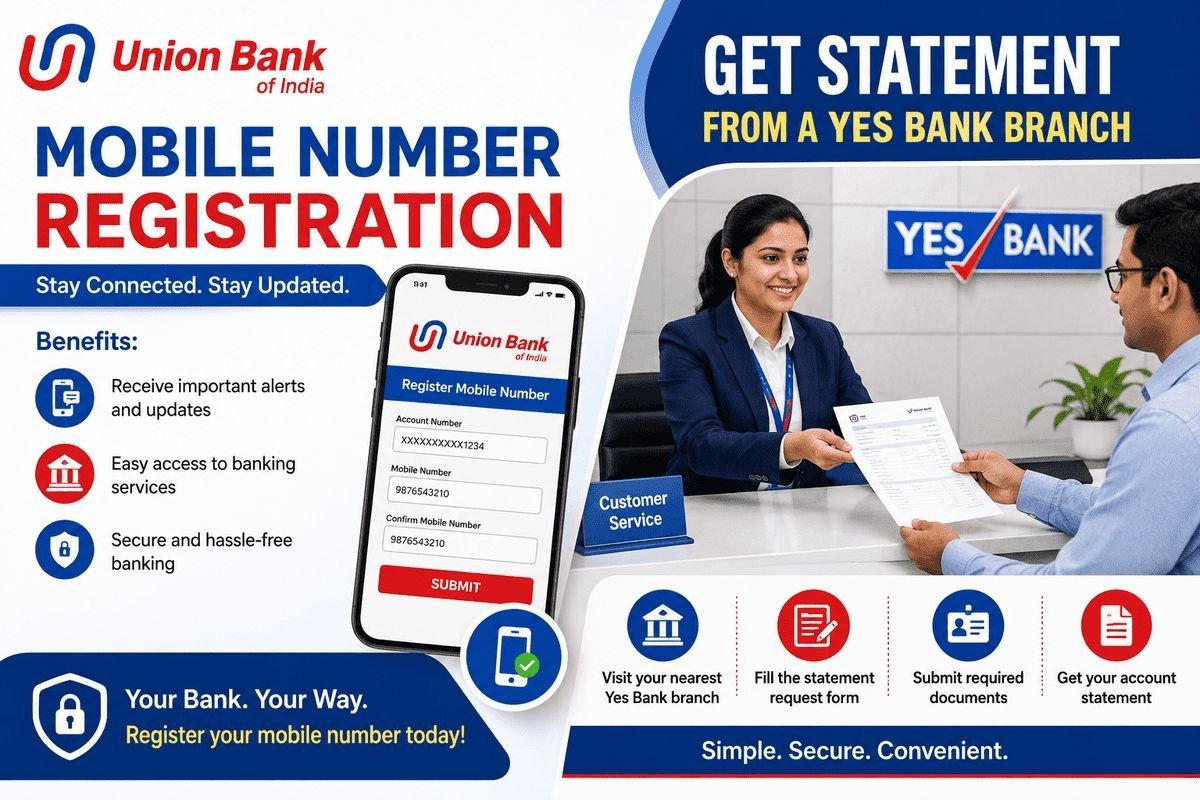
Almost every Union Bank of India service — net banking, the Vyom app, UPI, SMS alerts and OTP verification — works only when your correct mobile number is registered with your account. If you have changed your SIM, lost your old number, or never linked one, this guide explains Union Bank mobile number registration in full: the branch process step by step, how to fill the form, the ATM and online options, the documents you need, and a ready-to-use application letter format.
Why Your Mobile Number Must Be Registered
Your registered mobile number is the key to your account’s security and convenience:
- OTPs: Every net banking login, online payment and app registration needs a one-time password sent to this number.
- Transaction alerts: You receive an SMS for every debit and credit, so you can spot an unauthorised transaction immediately.
- Mobile and internet banking: You cannot register for the Vyom app or Union Bank net banking without a linked number.
- Missed-call and SMS banking: Balance enquiry and mini statement services work only from the registered number.
If your number is not linked, or the bank still has an old number, update it before you need any of these services urgently. The general process is similar across banks — see our overview of how to link a mobile number to a bank account.

Documents Required
Carry the originals and one photocopy of each when you visit the branch:
- Aadhaar card
- Bank passbook
- The mobile number you want to register (keep the SIM active)
- Passport-sized photograph
- Email ID (if you also want it added or updated)
- PAN card or driving licence (accepted as additional ID proof)
Method 1: Union Bank Mobile Number Registration at the Branch
The branch is the most reliable method, and it is the one Union Bank recommends — a first-time registration or a change of number is done by submitting a service request form with a copy of a valid KYC ID proof at the branch. Follow these steps:
- Visit your Union Bank of India branch (preferably your home branch).
- Ask the bank official for the mobile number registration / change of contact details form.
- Fill in the form carefully (the field-by-field guide is given below).
- Attach photocopies of your Aadhaar card and bank passbook.
- Sign the form and submit it to the bank official.
- The bank verifies your details and links the number to your account.
How to Fill the Registration Form
- Enter your account number first.
- Write the account holder’s full name exactly as printed in the passbook.
- Go to the ‘Change of Contact Details’ section of the form.
- Tick the ‘Change Mobile Number’ box (select the Email ID option too if you want your email updated at the same time).
- Enter the new mobile number you want to link to the account.
- Sign at the bottom of the form and write the date of application.
It usually takes up to 24 hours for the number to be linked through the branch process, and you receive a confirmation SMS on the new number once it is done.
Method 2: Update Your Number at a Union Bank ATM
If a number is already registered and you only need to update it, many Union Bank ATMs offer a registration menu:
- Visit a Union Bank of India ATM and insert your debit card.
- Select the ‘Registration’ option and enter your ATM PIN.
- Choose ‘Update Mobile Number’.
- Enter your old number and then the new number.
- Confirm the details; the ATM processes the request.
- You receive a confirmation once the new number is updated.
If the ATM at your location does not show this option, or you are registering a number for the first time, use the branch method above — it always works.
Method 3: Net Banking and the Vyom App
Customers who already use Union Bank internet banking can check the profile / personal settings section after logging in, where contact-detail update options are provided for eligible accounts. Similarly, if you are already registered on the Vyom app with an active number, keep your profile details updated there. Note that for security reasons the bank may still ask you to visit the branch with ID proof for a complete change of the registered number — when in doubt, the branch form is the final and confirmed route. If you use other banks as well, our guide to PNB mobile banking registration shows how app registration depends on a correctly linked number there too.
Sample Application Letter to Register Your Mobile Number
Some branches also ask for a short written application along with the form. You can copy this format and fill in your details:
To,
The Branch Manager,
Union Bank of India,
[Branch Name and Address]

Subject: Application to register mobile number with my bank account

Sir/Madam,

I humbly submit that I am an account holder at your branch. My account
number is [your account number]. At present, my mobile number is not
linked to my bank account, because of which I am unable to use online
banking services. Linking a mobile number is mandatory for these
services, so I request you to kindly register my mobile number
[your mobile number] with my bank account.

I shall be grateful to you for this.

Thank you!

Account Holder's Name: ....................
Account Number: ....................
Mobile Number: ....................
Aadhaar Number: ....................
Address: ....................
Signature: ....................
Methods Compared
| Method | Best for | Documents needed | Typical time |
|---|---|---|---|
| Branch visit | First-time registration or any change | Form + Aadhaar and passbook copies | Up to 24 hours |
| ATM | Updating an already-registered number | Debit card and PIN | Processed at the ATM; confirmation by SMS |
| Net banking / Vyom app | Profile updates for existing users | Active login credentials | Immediate where available; branch visit may still be required |
After Registration: Set Up Your Online Services
Once the confirmation SMS arrives on your new number, your registration is active and you can start using the services that were blocked earlier. Register for Union Bank internet banking or the Vyom app using the new number, and the OTP for activation will reach you on it. Make a small test transaction or a balance enquiry to confirm that alerts are coming through correctly. If you have also changed your SIM recently, inform any other banks and services where the old number was registered, so that you do not miss important alerts anywhere. If the confirmation does not arrive within 72 hours, revisit the branch with your form acknowledgement and ask the official to check the status of your request.
Safety note: Your registered mobile number receives every OTP for your account, so guard it carefully. Never share an OTP, your ATM PIN, or your net banking password with anyone — Union Bank officials will never ask for them on a call or message. If you lose the SIM that is registered with the bank, inform your branch immediately and get the number updated, and if you receive an OTP for a transaction you did not make, contact the bank at once. You can also read our post on Paytm debit card safety features to see how app-based controls protect another popular account.

Frequently Asked Questions
How do I register my mobile number with Union Bank of India?
Visit a Union Bank branch and take the mobile number registration (service request) form. Fill in your account number, name and the new mobile number, tick the ‘Change Mobile Number’ option in the Change of Contact Details section, sign it, attach photocopies of your Aadhaar card and passbook, and submit it to the bank official.
How long does it take to update the mobile number in the account?
Through the branch process the number is usually linked within 24 hours. In some cases — for example, if there is an error in the form — the update can take 24 to 72 hours. You will get a confirmation SMS on the new number when the update is complete.
What documents are required to change the mobile number?
You need the filled application or service request form, your account number, and both the old and new mobile numbers. Attach a photocopy of your bank passbook and a KYC ID proof such as your Aadhaar card, PAN card or driving licence.
Can I register or change my Union Bank mobile number online?
Existing internet banking users can check the profile section for contact-detail update options, and the ATM ‘Registration’ menu allows number updates at many locations. However, Union Bank’s confirmed route — especially for first-time registration — is the branch service request form with a KYC ID proof copy.
What happens if my mobile number is not registered with the bank?
You will not receive OTPs or transaction alerts, and you cannot use net banking, the Vyom app, UPI or SMS banking services. Registering your current number is mandatory to use Union Bank’s online services safely.

She is a professional and experienced senior article writer and editor. She is working in Indian Government Schemes, Education, and Media Communication. She has completed her MJMC, and now working at StatusChecker.in as a Senior Editor and writer. She has more than ten years of experience in Media communication, and article writing. So we hope you will enjoy her article. If you have any complaints or suggestions for her. You can contact us through our Contact Us page.