
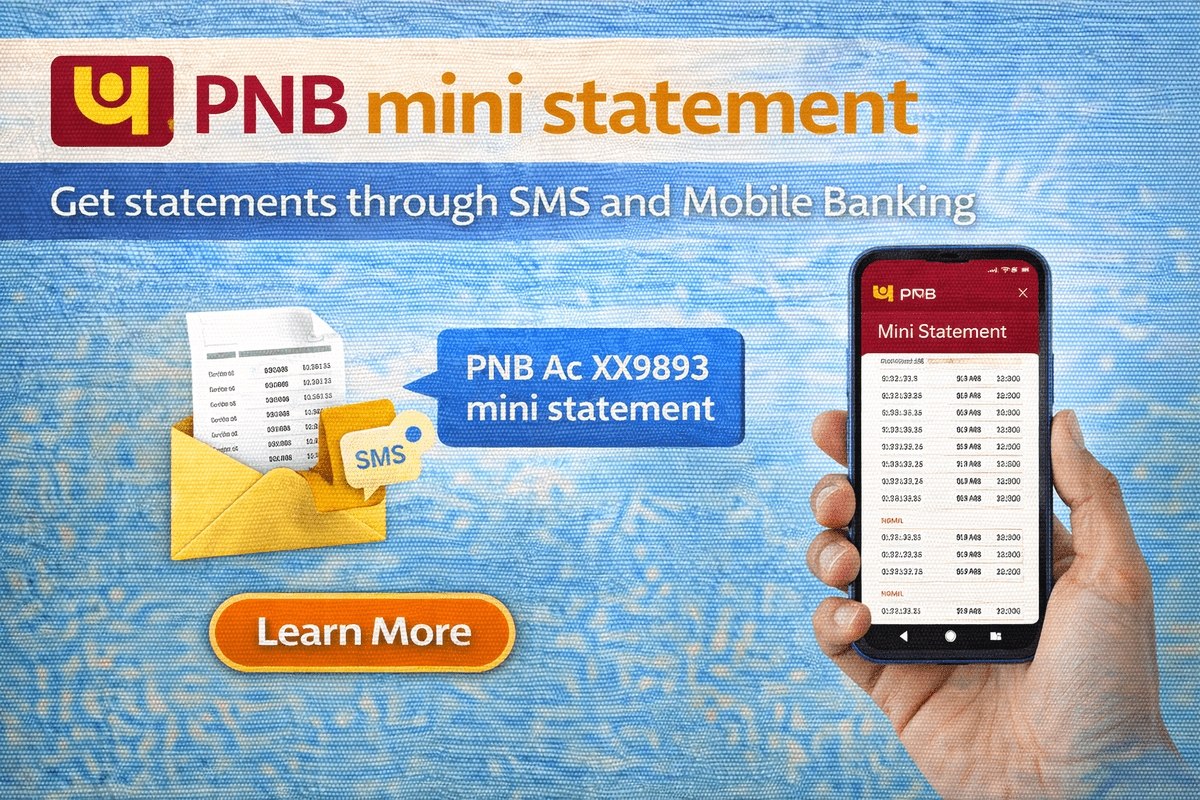
A pnb mini statement shows the last few transactions of your Punjab National Bank account — the recent deposits, withdrawals and your current balance — without any need to visit a branch or update a passbook. PNB gives you several ways to get it: a missed call, an SMS, the mobile banking app, net banking, an ATM, or the branch counter. This guide explains each method step by step, so you can pick the one that suits you, with or without the internet.
What Is a PNB Mini Statement?
A mini statement is a short summary of recent activity in your savings or current account. Depending on the channel, it shows your last 5 to 10 transactions along with the available balance. It is useful for quick checks — confirming that a payment has arrived, verifying a withdrawal, or keeping an eye on spending — while a full account statement, available through net banking or the branch, covers a longer period in complete detail.

What Details Does a Mini Statement Show?
Each entry in a mini statement normally shows the date of the transaction, whether it was a debit or a credit, the amount, and the account balance after it. That is enough to confirm that a salary credit, a UPI payment or an ATM withdrawal has gone through correctly. A mini statement does not show the full narration of every entry the way a detailed statement does, so if a transaction looks unfamiliar or you need proof of a payment for official work, generate a full statement from net banking or ask for one at your branch, where the complete details of each transaction are available.
Ways to Get a PNB Mini Statement at a Glance
| Method | What You Need | Internet Needed? |
|---|---|---|
| Missed call | Registered mobile number | No |
| SMS banking | Registered mobile number | No |
| Mobile banking app | PNB One / mPassbook app login | Yes |
| Net banking | Net banking user ID and password | Yes |
| ATM | Debit card and PIN | No |
| Branch | Passbook / account details | No |
One condition applies to the first two methods and, in practice, to all of them: your mobile number must be registered with the bank against your account. If it is not, the missed call and SMS services will not respond. The registration steps are given further below.
PNB Mini Statement by Missed Call
This is the fastest method and it is free on the toll-free number.
- From your registered mobile number, dial 1800-180-2223 (toll-free). You can also dial 0120-2303090, but standard call charges apply on this number.
- The call disconnects automatically after a ring or two — that is normal, it is a missed call service.
- Within a short time, you receive an SMS with your account balance and recent transaction details.
PNB Mini Statement by SMS
SMS banking works on any phone, smart or basic, without the internet:
- Open the messaging app on the phone whose number is registered with PNB.
- Type MINSTMT, add a space, and then your 16-digit PNB account number — for example: MINSTMT 1234567890123456.
- Send the SMS to 5607040.
- You will receive an SMS containing your mini statement with the last 10 transactions.
Enter the account number carefully — a wrong digit means the statement will not come. If you hold more than one PNB account, send a separate SMS for each account number; one SMS returns the statement of one account only. Through the same SMS banking service you can also check your balance and cheque status, and your account activity alerts are tied to the same registered number.
PNB Mini Statement on the Mobile Banking App
If you use mobile banking, the statement is a few taps away:
- Download and open the bank’s mobile banking app (PNB One) from the Google Play Store or Apple App Store, and log in with your user ID and M-PIN.
- Select your savings or current account.
- Tap on the mini statement / recent transactions option in the account menu.
- Your recent transactions appear on the screen, and you can view or save them as needed.
PNB also offers the mPassbook app, which works like a digital passbook: log in, select the account, tap “Mini Statement”, and your last 10 transactions are displayed; the entries can also be downloaded. If you have not yet activated mobile banking, our step-by-step guide to PNB mobile banking registration covers the full process.
PNB Mini Statement Through Net Banking
- Go to PNB’s net banking portal and log in with your customer ID (user ID) and password.
- Open the accounts section and select the account you want to check.
- Choose the account statement / mini statement option.
- Your recent transactions and balance are shown, and for a longer period you can generate and download a full statement from the same section.
Net banking is the best option when you need records for a specific period — for example, the last three or six months for a loan application, visa file or income proof — because you can select the dates and save the statement as a PDF. The mini statement options, in comparison, are meant for quick day-to-day checks of the most recent entries only.
PNB Mini Statement at an ATM
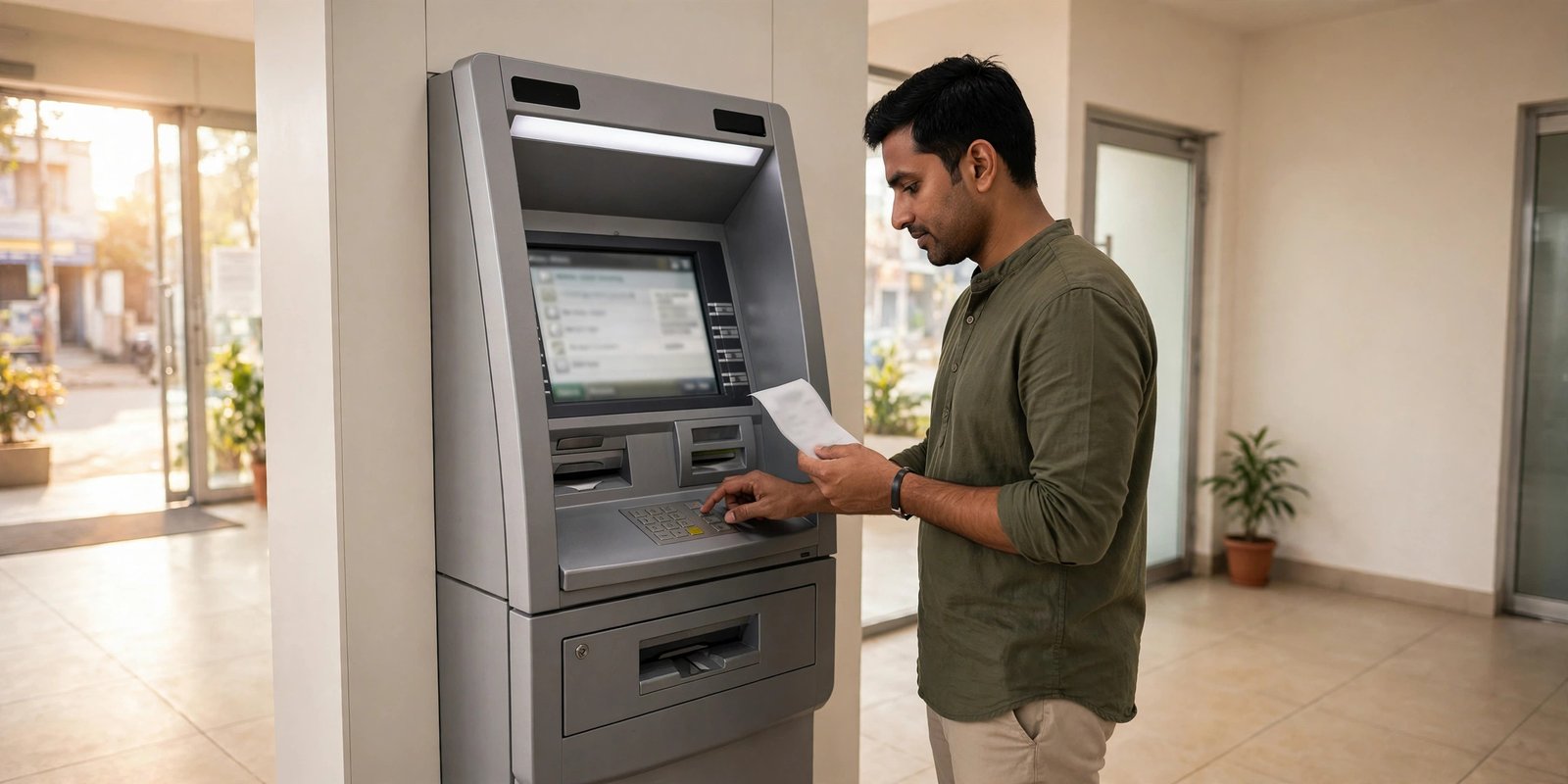
- Visit any nearby ATM and insert your PNB debit card.
- Enter your 4-digit ATM PIN.
- Select the “Mini Statement” option on the screen.
- The recent transactions are displayed, and at most ATMs you can also take a printed slip. PNB’s mini statement option works at PNB ATMs, and balance/transaction enquiry is available on other banks’ ATMs as well, subject to the usual ATM usage rules.
PNB Mini Statement at the Branch
If you prefer the offline route, visit your PNB branch with your passbook. The passbook can be updated at the counter or the passbook printing machine, which prints all entries up to the current date — more than a mini statement shows. Branch staff can also print a statement for a period you specify. This is also the right place to sort out any problem with the other channels, such as a mobile number that is not responding on the SMS service.
Your Mobile Number Must Be Registered
Missed call and SMS banking only work from the mobile number registered against your account. To register or change your number, visit your nearest PNB branch, fill in the mobile number registration form, and submit it; the bank sends a confirmation SMS once the number is registered. After that, all account alerts and statement SMS messages come to that number. If the bank asks you to refresh your KYC during such a visit, you can verify your status beforehand using our guide to checking your PNB KYC status.
Safety note: Get your mini statement only through the official numbers and apps given above. PNB never asks for your OTP, ATM PIN, M-PIN or net banking password on a call, SMS or link — never share these with anyone, and do not trust statement links sent by unknown numbers.
Customers of other banks follow a similar pattern — for example, the methods in our Canara Bank mini statement guide work much the same way.
Frequently Asked Questions
What is the PNB mini statement missed call number?
Dial 1800-180-2223 (toll-free) from your registered mobile number. The chargeable alternative is 0120-2303090. The call disconnects on its own and your balance and recent transactions arrive by SMS.
Is there any charge for the PNB mini statement?
The missed call on the toll-free number 1800-180-2223 is free. The 0120-2303090 number carries standard call charges, and SMS charges, if any, depend on your mobile plan.
How many transactions does a PNB mini statement show?
It shows your recent transactions — the last 10 through SMS banking and the apps, and the last few transactions with the balance through the missed call service. For a longer history, use the full statement on net banking.
Can I get a PNB mini statement without the internet?
Yes. The missed call service, SMS banking (MINSTMT to 5607040), any ATM, and a branch visit all work without the internet. Only the app and net banking methods need a connection.
Why am I not receiving my mini statement by SMS?
The usual reasons are that your mobile number is not registered with the account, the SMS was sent from a different number, or the format/account number was typed wrongly. Check the format first; if it still fails, register or correct your number at your branch.

She is a professional and experienced senior article writer and editor. She is working in Indian Government Schemes, Education, and Media Communication. She has completed her MJMC, and now working at StatusChecker.in as a Senior Editor and writer. She has more than ten years of experience in Media communication, and article writing. So we hope you will enjoy her article. If you have any complaints or suggestions for her. You can contact us through our Contact Us page.