
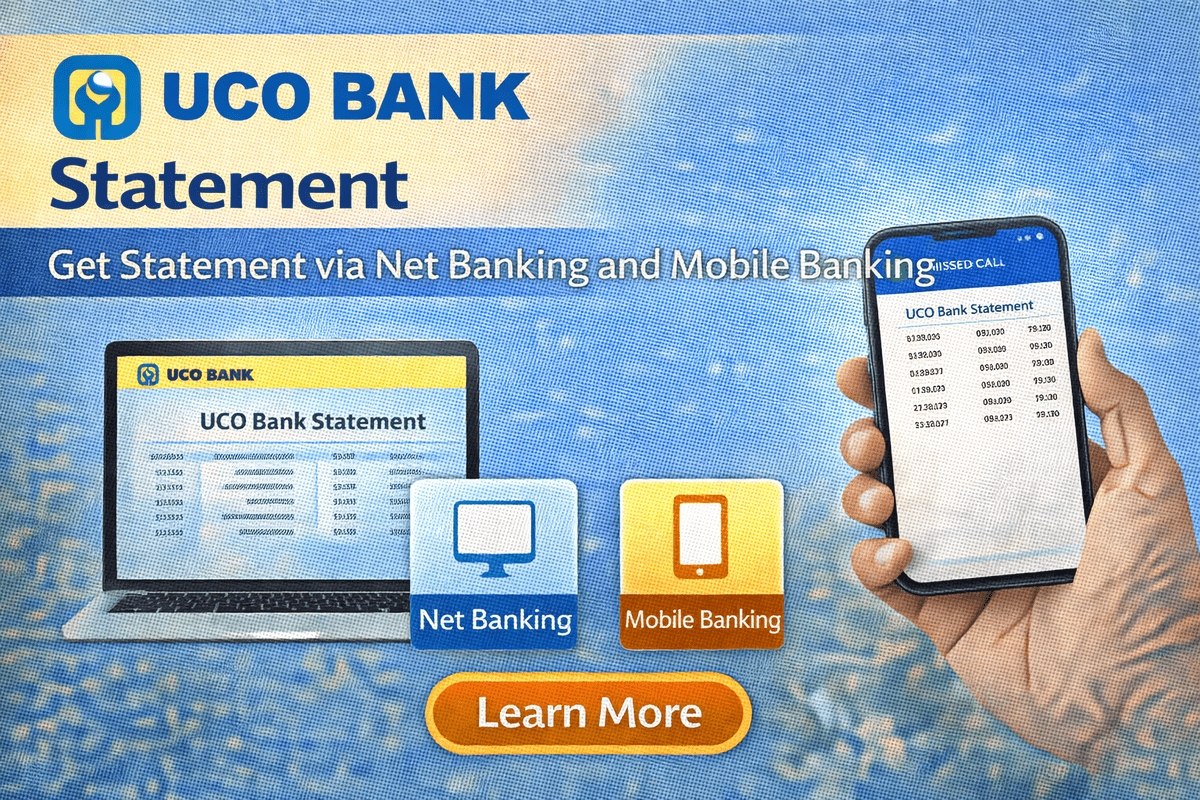
Need your UCO bank statement for a loan file, a visa application or simply to review your spending? You no longer have to queue at a branch for a printout. UCO Bank gives account holders several ways to get a statement from home — through net banking, the mobile banking app, the mPassbook app and even an SMS or a missed call. In this guide, every method is explained step by step, along with the one detail most people get stuck on: the password that opens the statement PDF. The only common requirement is that your mobile number should be registered with the bank; if it is not, first see how to link a mobile number in a bank account.
UCO Bank Statement: All Methods at a Glance
| Method | What You Get | Best For |
|---|---|---|
| Net Banking | Full statement for any date range, saved as PDF | Detailed records for a chosen period |
| Mobile Banking App | Statement PDF emailed to you | Getting the PDF without a computer |
| UCO mPassbook App | Statement of 1, 2 or 3 months emailed as PDF | Quick passbook-style records |
| SMS Banking | Last 3 transactions by SMS | A fast mini statement |
| Missed Call | Recent transactions by SMS | Mini statement without internet |
| ATM | Mini statement on screen or printed | When you are near an ATM |
| Customer Care | Statement sent to your mobile | Help over a phone call |

Get UCO Bank Statement via Net Banking
Net banking is the most complete method because you can select any period and download a proper PDF:
- Visit the official UCO Bank website and click on the Net Banking option to log in.
- After logging in, click on My Account.
- Next, click on Nickname and View Account Details.
- Select your account number, choose Transaction History from the options and click the Go button.
- Select the date range for which you need the statement — a start date and an end date.
- Below that, under Select a format for your statement, tick the Display On Same Page option.
- Click the Statement button. Your account statement will appear on the screen.
- Finally, click the Save as PDF button below to download the statement to your device.
This downloaded file is the one banks and offices usually accept when you apply for a loan — the same statement customers often attach along with their application before they start tracking it through the UCO Bank loan status page.
Get UCO Bank Statement via the Mobile Banking App
If you bank mainly on your phone, the UCO Bank mobile app can email the statement to you:
- Download the UCO Bank mobile application from the Play Store and log in using your User ID and password.
- If your email is not registered yet, do that first: open Email and Messaging Service, click Update Email ID, enter your email ID and click Submit.
- Now tap on the Banking option.
- On the next page, tap Account Statement.
- Select the date, tick the Send Statement via Email option and tap the Generate button.
- The PDF of your account statement is sent to your email ID within 24 hours.
Note: The emailed PDF is password protected. Enter your Customer ID or your registered mobile number as the password to open the file.
Get UCO Bank Statement PDF via the mPassbook App
The UCO mPassbook app works like a digital passbook and can also send you a statement:
- Open the UCO mPassbook application and log in.
- Click on the A/C Statement option.
- Enter your account number and email address.
- Select the duration — one, two or three months — and choose PDF as the statement type.
- Click the Proceed button.
Your account statement is then sent to your email ID. If you have not opened your account digitally yet, our UCO Bank account opening guide explains how the app-based process works from the first step.
Mini Statement via SMS and Missed Call
For a quick look at recent activity, you do not need internet banking at all:
- By SMS: From your registered mobile number, type TRAN<Account Number><mPIN> and send it to 56161. Shortly after, the details of the last 3 transactions on your account arrive by SMS.
- By missed call: Give a missed call to 09213125125 from your registered mobile number. The call disconnects on its own and your recent transactions are sent to you by SMS.
- Through customer care: Call the toll-free number 1800-274-0123 and request your bank statement — it is received on your mobile shortly after. If it does not arrive, you can also raise the request from the bank’s official website.
Get UCO Bank Statement via ATM
Any UCO Bank ATM can show you a mini statement in under a minute:
- Visit your nearest ATM and insert your UCO Bank ATM card.
- Enter your four-digit ATM PIN.
- Select your account type.
- Select the Mini Statement option.
- The last few transactions appear on the ATM screen. You can also take a print by selecting the Print option.
Remember that an ATM mini statement covers only the most recent transactions. For a longer period — a full year, for example — use net banking or the mobile app instead.
Full Statement or Mini Statement — Which One Do You Need?
A mini statement is only a snapshot: it shows the last few transactions — the last 3 by SMS, and the recent ones by missed call, ATM or the mPassbook app — with no date range to choose from. A full account statement, on the other hand, covers the exact period you select, whether that is one month or one year, and is downloaded as a proper PDF from net banking or the mobile app. For official work such as a loan application, a visa file or income proof, always use the full statement PDF. The mini statement is best kept for a quick check of recent account activity on the go.
What Is the Password of the UCO Bank Statement PDF?
This is where many customers get stuck: the statement PDF that arrives by email does not open directly — it asks for a password. You do not have to create a separate password for it. The bank shares the password along with the statement PDF in the email itself, so read that email carefully before trying random combinations. The password is built like a small puzzle from your own details — it incorporates digits from your birth month and birth year. For statements generated through the mobile banking app, the Customer ID or the registered mobile number works as the password, as noted in that section above. Enter the correct one and the file opens normally.
Safety note: Your bank statement contains your full transaction history, so treat the PDF like a financial document. Never share it — or your ATM PIN, mPIN or any OTP — with unknown callers or on unofficial websites, and download statements only after logging in to the bank’s official website or app yourself.
Frequently Asked Questions
How do I get a UCO Bank statement?
The quickest way is to give a missed call to the mini statement number 09213125125 from your registered mobile number. For a full statement, use net banking, the mobile banking app or the mPassbook app and download or receive the PDF.
How do I get a UCO Bank mini statement?
Log in to the official app or net banking and use the statement option to view or download it, or send TRAN<Account Number><mPIN> to 56161 by SMS, or use the Mini Statement option at any ATM.
How do I download a one-year UCO Bank statement?
Log in to mobile banking or net banking, open the bank statement option, select the one-year period as the date range, and click Download (Save as PDF in net banking).
What is the password to open the UCO Bank statement PDF?
The bank sends the password along with the PDF in the same email; it is formed from digits of your birth month and birth year. For app-generated statements, try your Customer ID or registered mobile number.
The emailed statement has not arrived. What should I do?
The app-generated statement can take up to 24 hours to reach your email. Check the spam folder and confirm the email ID registered with the bank is correct; if it still does not arrive, call customer care on 1800-274-0123 or request the statement from the official website.

She is a professional and experienced senior article writer and editor. She is working in Indian Government Schemes, Education, and Media Communication. She has completed her MJMC, and now working at StatusChecker.in as a Senior Editor and writer. She has more than ten years of experience in Media communication, and article writing. So we hope you will enjoy her article. If you have any complaints or suggestions for her. You can contact us through our Contact Us page.